AI OnlyFans: how to run an account on autopilot (2026)
AI OnlyFans explained: what an AI OnlyFans account is, what you can automate, the disclosure rules, and how to run one safely from your own machine.
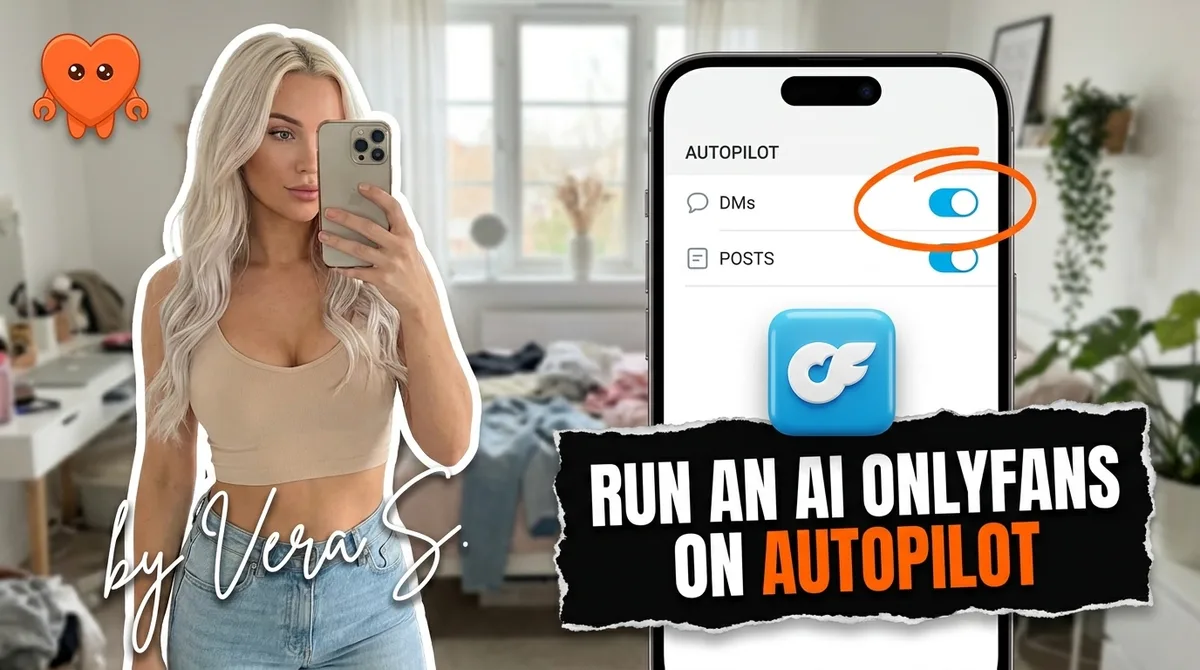
Running an AI OnlyFans account on autopilot is a real, functioning operations model in 2026. "Autopilot" means automating the daily work: welcome messages, DM follow-ups, PPV sends, post scheduling, and re-engagement sequences. It does not mean zero effort. You still produce content, approve key decisions, and set the strategy. What automation removes is the 12 to 16 hours a week of inbox management and manual scheduling that burns out even experienced operators.
The critical constraint: every tool you use must run on your own machine, not a cloud server that holds your login. That distinction is what separates safe automation from a setup that puts your account at risk.
What is an AI OnlyFans account?
An AI OnlyFans account is an OnlyFans account where artificial intelligence handles part of the work: the messaging, the scheduling, sometimes the imagery itself. The term covers two setups that are easy to confuse:
- AI-assisted real creators. A real person owns the account and appears in the content, but an AI agent drafts the DM replies, times the follow-ups, and runs the PPV and posting cadence. The fan is talking to a persona the creator stands behind, and the AI carries the repetitive volume.
- Fully AI personas. The "creator" is an AI-generated character, the images and video are synthetic, and the messaging is AI-written end to end. There is no physical person behind the face. If that is the model you are building, how to create an AI influencer covers the character side.
Both are common in 2026, and both are allowed on OnlyFans, on one condition that is not optional: you disclose the AI. The rest of this guide is about running either kind on autopilot safely, what you can automate, what has to stay human, the disclosure rules, and the one architectural choice (local versus cloud) that decides whether your account survives.
What "autopilot" actually means for an AI OnlyFans account
"Autopilot" for an AI creator account means the operations layer runs continuously without you typing messages or manually scheduling posts. It does not mean the account runs without a human.
Here is the honest breakdown:
What runs automatically:
- Welcome message fires the moment a new subscriber joins, in the persona's voice
- Timed follow-up goes out if the subscriber opened but did not buy within a set window
- PPV campaigns are sent to eligible fans based on spend history and engagement signals
- Posts go live on the schedule you set, from the content library you built
- Re-engagement messages reach lapsed fans after a defined period of silence
What stays human:
- Producing or curating the visual content the account publishes
- Approving any reply that involves a complaint, a refund, or a custom request
- Reviewing the action queue before sensitive messages go out
- Adjusting strategy when conversion rates shift
- Staying current on disclosure requirements and platform policy
The accounts that fail on autopilot are the ones where operators mistook "automated" for "unmanaged." The ones that work are configured carefully, reviewed weekly, and updated when the persona's content strategy changes.
What you can and cannot automate on OnlyFans
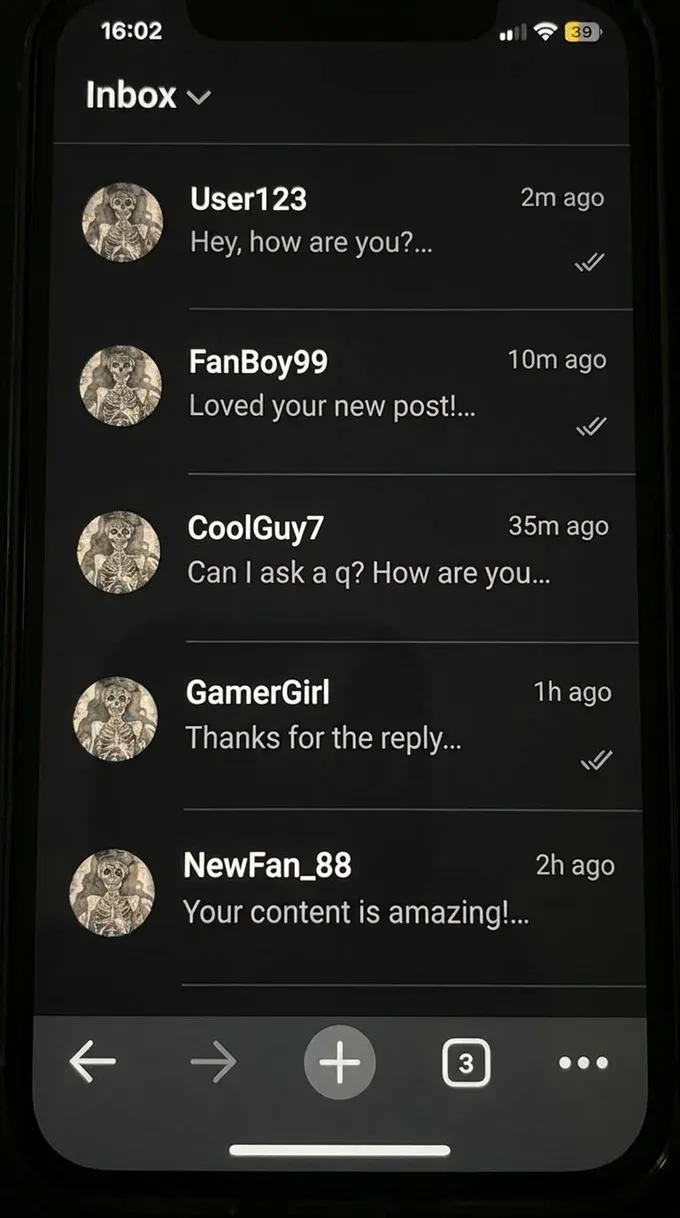
Not everything that could theoretically be automated should be. Some actions require human judgment, platform sensitivity, or compliance considerations that automation cannot handle on its own.
What OnlyFans allows and what operators automate at scale
OnlyFans permits welcome messages, mass messages, follow-up sequences, and scheduled posts. Most top earners use at least one of these. The platform has not restricted the act of automating. What it restricts is who runs the automation, how the messages are disclosed when AI generates them, and whether payments stay on-platform. For a plain answer to the question fans actually ask, see are OnlyFans messages automated.
These are the operations that run on autopilot without meaningful platform risk when done correctly:
- Welcome flow. Greet every new subscriber within seconds of joining, with a soft offer or a preview of what is in the paid library.
- PPV follow-up. Identify subscribers who did not open a PPV campaign within 24 hours and send a second version with a different hook or a lower anchor price.
- Re-engagement drip. After a fan has been silent for a defined period, send a timed message that acknowledges the gap without being pushy.
- Broadcast campaigns. Send a mass message to all subscribers or a filtered segment when new premium content is available.
- Post scheduling. Publish feed posts and subscriber-only content at the cadence your editorial calendar requires, without manual triggering.
What requires a human hand
Certain actions carry enough risk or enough revenue weight that a human checkpoint is worth the delay:
- Custom content requests where the fan describes something specific
- Any message from a fan expressing dissatisfaction or requesting a refund
- PPV sends above a price threshold you define
- Any reply that touches personal details the fan has shared
A well-designed automation setup routes these to an approval queue rather than sending automatically. You review, approve, or edit, then the message goes out. The human stays in the loop on the moments that matter most.
Disclosure rules you cannot skip
As of 2026, OnlyFans requires disclosure when AI generates or assists your replies and content. This is not optional, and it is not buried in a footnote. Missing it creates two real risks: platform action against your account if discovered, and chargebacks from fans who feel they paid for human interaction and received a bot.
What proper disclosure looks like in practice:
- A clear statement in your bio that the account uses AI-assisted messaging and AI-generated content
- A label or disclosure on PPV content that is AI-generated, either in the caption or as a watermark
- A disclosure note at the start of automated message sequences when the account is new or when a subscriber has never received an automated message before
Disclosure does not kill conversions. Fans who subscribe to AI creator accounts in 2026 understand what they are buying. They subscribe for the content, the persona, and the consistency of the experience. An account that discloses clearly and delivers on the persona's promise consistently outperforms one that tries to obscure its nature and eventually gets flagged.
The fastest way to lose an AI OnlyFans account is running undisclosed AI on messages and content while the platform's enforcement catches up with your setup.
How to set up your autopilot stack from your own machine
The setup process has five steps. The most important decision is in step one.
Step 1: Choose software that runs locally.
Every cloud tool that manages OnlyFans accounts asks for your login and then operates from its own servers. That means your credentials, your fan conversations, and your earnings data sit on a company's infrastructure that you do not control. If that company is flagged, breached, or goes under, your account is exposed.
The safe approach is software that runs on your machine. When the agent operates locally, your login never leaves your hardware and no outside party can take actions on your account. This is the architecture FanClaw is built on: a local-first app where the operations layer runs entirely on your computer. You can download FanClaw and run a session on your real accounts before committing to anything.
Step 2: Connect your OnlyFans account through the local interface.
Your credentials authenticate once, locally, and the session stays on your machine. The software reads your inbox, your subscriber list, and your content library without ever relaying that data to an outside server.
Step 3: Define your messaging flows.
Write the welcome message, the follow-up sequence, and the re-engagement message in the persona's voice. This is not a template you fill in. It is your persona's actual words, pacing, and emoji use. The automation sends your voice while you are away from the keyboard, not a generic script.
Step 4: Set your approval thresholds.
Define which actions go out automatically and which land in the approval queue. A reasonable default: welcome flows and scheduled broadcasts go out automatically; PPV sends above a set price and any reply to a message that mentions a complaint go to the queue. Review the queue once or twice a day.
Step 5: Build the content calendar.
Upload your AI-generated content library, assign each piece to a publishing slot, and let the scheduler run. The editorial calendar for an AI creator account is a recurring operational task: you batch-produce content, load it into the system, and the publishing layer handles the rest.
For a deeper look at how to automate your OnlyFans DMs specifically, including the welcome flow structure and follow-up timing, that guide covers the DM layer in detail.
The tool landscape in 2026: why most options create risk
The market for OnlyFans automation tools is large and mostly cloud-based. Understanding the risk profile of each category helps you choose correctly.
| Category | How it works | Main risk |
|---|---|---|
| Chatting and CRM services (Supercreator, Infloww, FansMetric) | Take your login and run your account through their own servers, proxies, or team sessions, manage messages via their interface | Your account access and fan data run through a third-party system |
| Autonomous revenue-share services | A company manages your account for a cut of revenue | You hand over control of your entire account, not just credentials |
| Local automation tools | Software runs on your machine, credentials never leave your hardware | Lower reach for now; fewer operators use them |
Chatting services billed per account, starting at $40 per month on Infloww's advertised pricing and rising with each account's earnings, add up, and the credential risk does not go away as you scale. The services that take a revenue share compound the problem: you are not just sharing your login, you are sharing your earnings and your fan relationships with an outside operator. If you are still deciding whether to hand the inbox to anyone at all, what an OnlyFans chatter is breaks down the human-versus-automated tradeoff.
FanClaw is the local alternative. One agent on your own machine, across OnlyFans, Fansly, Instagram, X, TikTok, Reddit, and Telegram. Your login never leaves your hardware. That is the only pattern that gives you full automation without the third-party credential risk.
Realistic time commitment: what changes and what does not
The honest version of "running an AI OnlyFans account on autopilot" takes real work to set up and modest ongoing attention to maintain. Here is what the time actually looks like.
Setup phase (first two weeks):
- Persona document and voice guidelines: two to four hours
- Messaging flows written and loaded: two to three hours
- Software configured, thresholds set, first content batch loaded: three to five hours
- Total upfront: roughly eight to twelve hours across two weeks
Steady-state operations (ongoing):
- Reviewing the action queue and approving flagged messages: 15 to 30 minutes daily
- Content production or curation session: two to three hours weekly
- Strategy review, conversion analysis, and flow updates: one hour weekly
- Total ongoing: two to four hours per week once the system is running
What disappears entirely is the daily inbox grind. You are no longer spending three hours in the morning catching up on overnight messages from fans in other time zones. You are not manually timing follow-up messages or remembering which subscribers went quiet last week. The system handles those. You handle the judgment calls.
A $50 PPV that would have sat in a queue for eight hours while you slept goes out at the right time, to the right fan, at a price calibrated to that fan's history. That is the real value of autopilot: not less work, but work that happens at the right moment rather than whenever you are awake.
The operators who run AI OnlyFans accounts most efficiently in 2026 are not the ones who found a way to do nothing. They are the ones who automated the repeatable operations precisely enough that their attention goes entirely to the decisions that change the outcome.
Frequently asked questions
You can automate the operations layer: welcome flows, DM follow-ups, PPV mass sends, post scheduling, and re-engagement sequences. What stays human is content production, approval of sensitive actions, and platform strategy. The daily grind runs automatically; you stay in control of the decisions that matter most.
Yes. As of 2026, OnlyFans requires you to disclose when AI generates or assists your replies and content. This applies to AI-written DMs and to AI-generated images or video. Disclosure protects your account standing and prevents chargebacks from fans who feel misled. It belongs in your bio and in your messaging setup from day one.
Safety depends entirely on where the tool runs. Cloud services that ask for your OnlyFans login and operate from their own servers hand your credentials to a third party and create real platform risk. Tools that run locally on your machine keep your credentials and fan data on your hardware, which is the only pattern that combines automation with account safety.
Most operators running automated AI accounts spend two to four hours per week on operations once the initial setup is complete. That time goes to reviewing the action queue, approving sensitive DM responses, producing or curating new content, and adjusting the strategy based on what converts. Daily hands-on time drops to under 30 minutes on a well-configured setup.
The main ban triggers are: handing your login to a cloud tool that signs in as you from its own servers, pushing external payment links, running undisclosed AI on replies and content, and sending mass messages so robotic they attract platform attention. Disclosed, on-device automation that sounds like a coherent persona is low risk.
Yes. PPV campaigns, including pricing decisions and timing, can be automated. A well-configured setup identifies which fans are most likely to convert, selects the right content from your library, sets a price based on that fan's history, and sends the message automatically. You set the rules; the automation executes them.
A chatter service is a cloud business that employs people or AI to log into your account from their servers and manage it on your behalf. Your credentials leave your machine. Automation software runs on your own computer and executes the workflows you define, without your login ever being sent to an outside party. The operational results can look similar; the risk profile is completely different.
No. Modern local automation tools are designed for operators, not engineers. Setup involves connecting your platform accounts, defining your messaging flows, and setting approval preferences. The technical complexity is handled by the software. The operator's job is strategy and content, not code.