Why was my OnlyFans account banned?
The real reasons OnlyFans bans accounts in 2026, from multiple logins to undisclosed AI, and the habits that keep your account and your data safe.
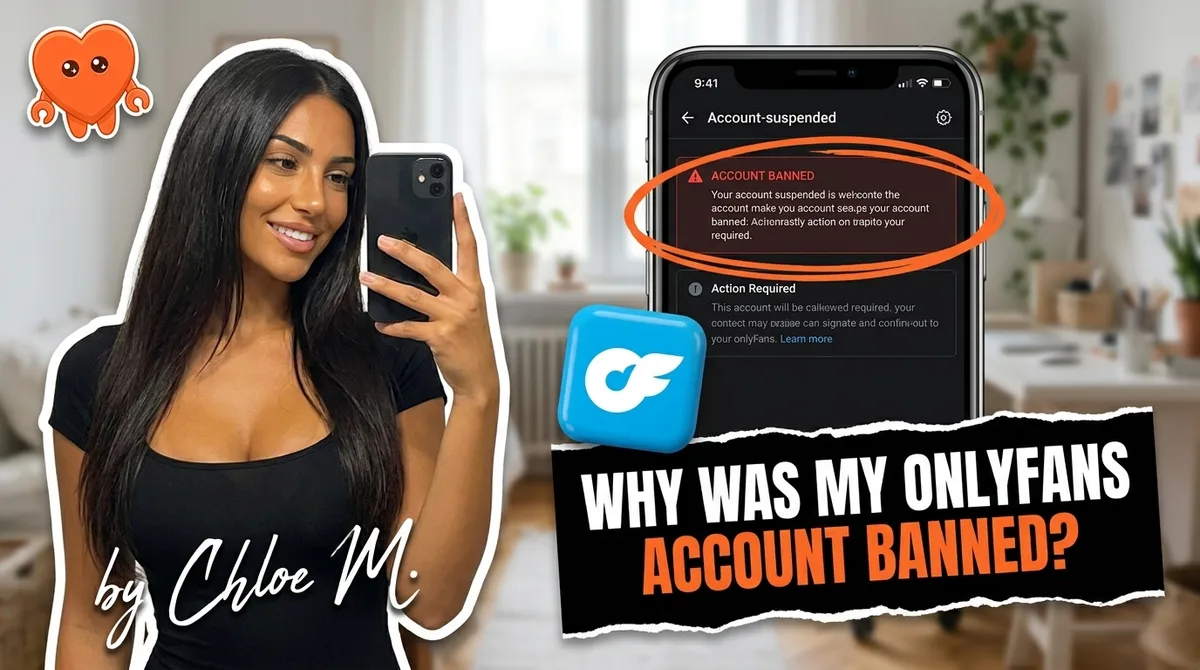
Most OnlyFans bans trace back to a short list of avoidable behaviors. Not bad luck, not a mysterious algorithm, and usually not automation. The actual ban triggers in 2026 are well-documented in the platform's terms, and understanding them is the single most reliable way to protect the income and subscriber base you have spent months building.
Here is the real list, in order of how often we see them come up, along with the habits that keep your account and your data secure.
The most common OnlyFans ban reasons in 2026
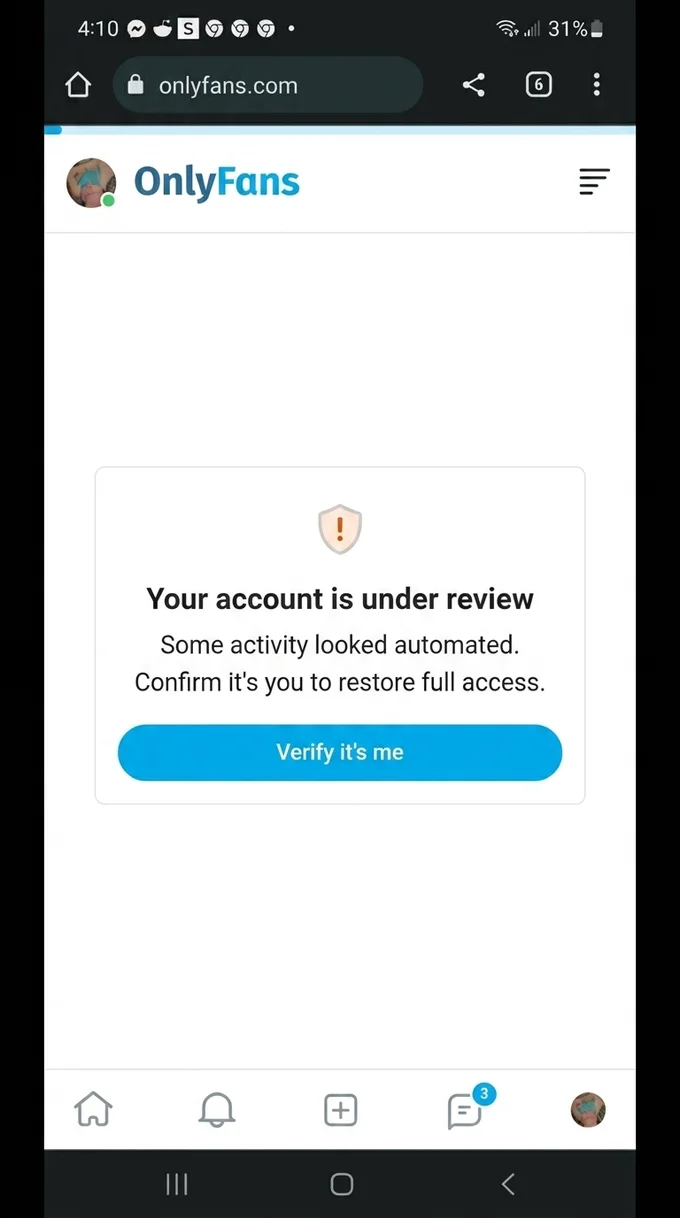
Most creators who get suspended are surprised. That surprise usually comes from not knowing which behaviors are explicitly prohibited versus which ones feel risky but are not. The list is shorter than you think.
Multiple accounts and IP bans
OnlyFans allows one creator account per person unless you have written approval from the platform. If you create a second account after a warning, log into two accounts from the same IP address, or use a VPN to get around a previous suspension, you are likely to receive a permanent ban on both accounts. The policy exists to protect subscribers and payment integrity, and enforcement is consistent.
AI deepfakes and face-swaps of real people
This is the zero-tolerance category. Using AI to generate realistic images or videos that put a real person's face on content they did not consent to is an immediate permanent ban, with no appeal path. It also carries legal exposure well beyond the platform: US federal law now criminalizes non-consensual intimate imagery including AI-generated deepfakes under the TAKE IT DOWN Act, which also requires platforms to remove it on the victim's request. If AI is part of your content workflow, it needs to stay in the territory of your own creative assets.
Chargebacks and payment fraud
A subscriber filing a chargeback reverses their payment through their bank, not through OnlyFans. A single chargeback from one fan is generally handled at the payment processor level. A pattern of disputes, or a situation where it looks like fraud is being run systematically against or through your account, triggers a formal review. Once your account is flagged by a payment processor, recovery is slow and difficult.
Pushing fans to external payment links
OnlyFans monitors messages for links to external payment platforms. The platform takes 20 percent of everything transacted on it, and steering fans around that model is explicitly prohibited. Keyword filters catch common patterns, and violations tend to escalate quickly. Keep all transactions inside the platform.
Non-consensual or leaked content
Posting content that features another person without their consent, including content obtained from leaks, is grounds for an immediate permanent ban and potential legal action. This category also covers re-uploading content you did not create or own.
Age-verification failures
Every person appearing in content on your account must be verified as 18 or older, with documentation. Verification failures are treated seriously and are among the most difficult bans to appeal. This applies to any collaborator who appears in your content, not just to your own account.
Copyright violations
Posting music, video clips, or images you do not own rights to can result in DMCA takedowns and repeated violations lead to account suspension. This is lower on the enforcement frequency list but catches creators who import background music or clip segments from commercial releases.
The risk most creators underrate: handing your login to a third party
The ban reasons above are all creator-side behaviors. There is a structural risk that lives upstream of all of them and that creators routinely hand to strangers without much thought: giving your OnlyFans login to a chatting agency or a cloud management tool.
Here is what actually happens when you do that. The tool or agency logs into your OnlyFans account from its own servers. Those servers may be shared with hundreds or thousands of other creator accounts. If any of those accounts are flagged for spam, fraud, or policy violations, the servers they share inherit a flag. Your account, logging in from those same servers, can absorb that suspicion without any action on your part.
There is a second problem that has nothing to do with bans. That agency or cloud tool now holds your login credentials, reads every message between you and your fans, sees your subscriber list, and in many cases stores your earnings data on infrastructure you have no visibility into. The company could be acquired. The credentials could be compromised in a breach. A disgruntled contractor could have access. You have no audit trail and no real recourse.
This is the scenario that FanClaw was designed to eliminate. The agent runs on your own machine. Your login never leaves your laptop. No server you do not own ever touches your fan messages or your earnings. You can download FanClaw and run a full week on your own machine before you commit to anything.
The practical difference between "cloud tool" and "local agent" is not a technical nuance. It is the difference between a stranger holding the keys to your business and you holding them yourself.
For a broader look at how to run your account without handing operational control to an outside party, the OnlyFans without an agency guide covers the full transition.
Automation and AI without getting banned
The fact that automation gets mentioned in ban-risk conversations has led a lot of creators to treat it as inherently dangerous. It is not. Welcome messages, mass messages, and scheduled follow-ups are standard and explicitly supported by the platform. Top earners use them at scale.
The actual risk factors around automation are specific:
- Credential-sharing. Giving a tool your login so it can act as you from its servers. The risk here is structural, not behavioral (see above).
- Undisclosed AI. OnlyFans expects disclosure when replies are generated by AI rather than written by you. This has been a stated expectation since late 2025 and is now enforced. If you use an AI model to draft or send replies, add a disclosure.
- Off-platform payments. Some automation tools steer fans toward external payment links automatically. Make sure any tool you use keeps all transaction links inside the platform.
- Robotic behavior patterns. Instant replies at 3am, identical messages sent to thousands of fans in minutes, and replies that ignore what the fan actually said are observable patterns. Automation that paces itself naturally and responds in your real voice does not produce these signals.
Automation that runs on your machine, uses your voice, discloses AI where required, and keeps payments on-platform is both compliant and sustainable. The risk profile of well-built local automation is low.
How to protect your account and your data
Account safety is not a one-time setup. It is a set of ongoing habits, and the stakes are high enough that they are worth being deliberate about.
Review the terms every couple of months. OnlyFans updates its terms and policies regularly. A behavior that was a grey area last year can become a violation today. A ten-minute read every few months is enough to stay current.
Use strong authentication. Enable two-factor authentication on your OnlyFans account and on the email address linked to it. Use a password you do not reuse anywhere else. These are basic hygiene steps that prevent the most common account-takeover scenarios.
Audit who has access. If you have ever given a login to an assistant, a contractor, a chatting agency, or a management tool, work through that list. Change your password whenever someone who had access is no longer working with you. This is not a hypothetical: credential access tends to accumulate quietly, and most creators have given out more access than they realize.
Keep fan data on your own machine. Your subscriber list, your DM history, and your earnings data are core business assets. A local-first tool keeps that data under your control. A cloud tool puts it on someone else's servers under their terms of service, not yours.
Be careful with collaborations. If you post content with another creator, both parties need proper documentation. On OnlyFans this includes the platform's release form process. Skipping it, even by accident, can result in the content being taken down and the account flagged.
What to do if you are already banned or suspended
If your account has been restricted or suspended, the first step is to understand what category of violation you are looking at. Log in and check for any email from OnlyFans support. The message will usually indicate whether this is a temporary restriction, a formal suspension, or a permanent ban.
For temporary restrictions: these are often tied to a single content piece or a flagged message. Respond to the support ticket promptly, provide context, and remove the flagged content if asked. Most temporary restrictions resolve within a few days when you respond professionally.
For formal suspensions: open a support ticket through the OnlyFans help center. Be specific about what you believe happened, provide dates and any documentation you have, and avoid escalating the tone. Suspensions from first-time policy violations can sometimes be reversed. Suspensions from payment fraud or age-verification failures are much harder to appeal.
For permanent bans: permanent bans tied to age-verification failures, non-consensual content, and AI deepfakes of real people are rarely reversed. If you believe the ban was an error, the appeal path is the same support ticket route, but expect a longer timeline and a higher bar for reversal. For anything involving significant revenue, a lawyer who specializes in creator economy disputes is worth the consultation cost.
This section is general information, not legal advice. For any situation involving substantial income or a dispute with the platform, professional legal counsel is the right call.
The best version of account safety is not knowing how to appeal a ban. It is never needing to.
- q: "How long does an OnlyFans ban last?" a: "It depends on the violation. A first or minor offense usually means the content is removed and you get a warning, with no lasting ban. Repeat violations bring temporary suspensions, commonly 7 to 30 days. Severe violations, like deepfakes, non-consensual content, or anything suggesting a minor, are permanent and very rarely reversed. The category of the violation, not a timer, decides whether you wait, appeal, or move on."
Frequently asked questions
Automation itself is not against the rules. Welcome messages, mass messages, and scheduled follow-ups are standard practice. What gets accounts flagged is handing your login to a cloud tool, using AI replies without disclosing them, and pushing fans toward off-platform payments. Automation that stays on your machine and follows your voice is low-risk.
Yes. OnlyFans limits creators to one account unless you have explicit written approval. Running two accounts from the same IP or device, or creating a second account after a ban, is one of the fastest routes to a permanent suspension. If you manage multiple creators, each account needs its own verified identity and approval.
There is no guaranteed safe threshold. When a third party logs in from unfamiliar servers, your account inherits any flags attached to those servers. OnlyFans does not publicly distinguish between a creator logging in and a chatting agency logging in on her behalf. The safest setup is keeping your login on your own machine.
As of 2026, OnlyFans expects creators to disclose when replies are AI-generated. Undisclosed AI is explicitly on the list of policy violations that can lead to suspension. Disclose it clearly, keep payments on-platform, and you remove that specific risk entirely.
Go to the OnlyFans support center, open a ticket, and state clearly which policy you believe was misapplied. Include dates, any relevant screenshots, and your account email. Appeals take days to weeks. Permanent bans for age-verification failures or non-consensual content are rarely reversed, so prevention matters far more than the appeal process.
Yes. A pattern of chargebacks signals payment fraud to both OnlyFans and its payment processors. A single chargeback from a fan is usually handled at the payment level and does not automatically suspend your account, but repeated disputes against your account, or a refund pattern that looks like systematic abuse, can trigger a review and a suspension.
No tool that logs in as you from its own servers is fully safe from an account-risk standpoint. The safest approach is automation that runs locally on your own machine, so your credentials and your fan data never travel to a third-party server.
The main categories are: multiple accounts without approval, age-verification failures, non-consensual or leaked content, AI deepfakes of real people, undisclosed AI, external payment links, and systematic chargeback or fraud patterns. The terms are updated periodically, so reviewing them every couple of months is the simplest protective habit.