Best OnlyFans management software (2026)
The best OnlyFans management software compared for solo creators in 2026, including the tools that take your login and the local-first alternative.
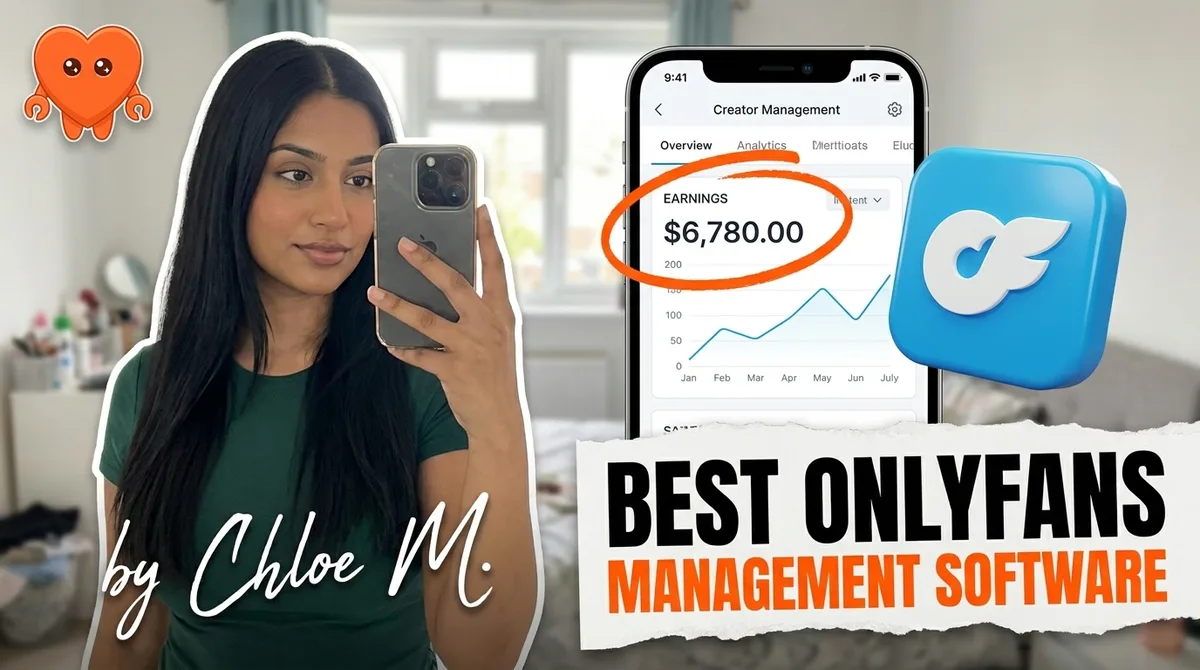
The right OnlyFans management software handles DMs, posting, fan segmentation, analytics, and ideally more than one platform. There are several solid options in 2026, and this guide compares them fairly. But there is one question almost every buyer skips before signing up: who actually holds your login once you connect your account? The answer determines how safe you are, not just how productive.
What management software actually needs to do
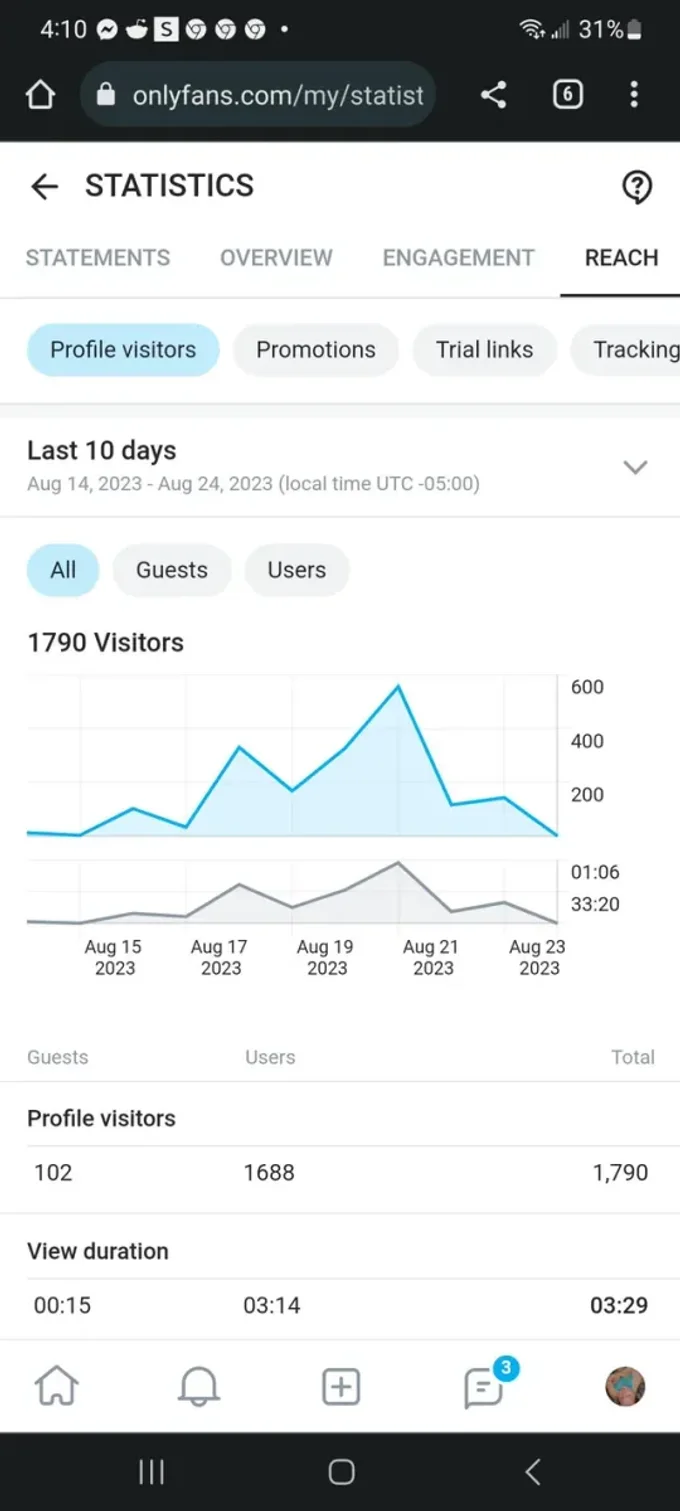
Running an OnlyFans business solo means juggling a lot of distinct jobs at the same time. Inbox management is the highest-leverage one. A creator waking up to 200 or more unread messages, spread across time zones, loses real revenue on every hour of delay. A $50 custom request that sits unanswered for eight hours frequently goes cold.
Beyond the inbox, the jobs stack up fast:
- Fan CRM. Who are your top spenders? Who has gone quiet after one month? What has each fan already unlocked? Without a structured view, you are guessing.
- Posting and scheduling. Consistent posting is the main driver of subscriber retention, and doing it manually across two or more platforms is a time drain.
- Analytics. Knowing your conversion rate on PPV, your re-sub rate, and where new subscribers actually come from shapes every decision you make.
- Multi-platform reach. Running OnlyFans and Fansly together is the 2026 standard, and many creators add Instagram, Reddit, and X on top. Management software that covers only one platform forces you to run parallel tools.
Most tools handle some of these well. None of the per-account tools handle all of them, and none of them handle the one question buyers skip.
The credential question every buyer skips
Here is the thing almost no comparison article will tell you directly: every major OnlyFans management tool takes your login into its own system. When you connect your account, you are handing your OnlyFans login to a company whose servers, proxies, or shared team sessions then act as you. That company's system can read fan messages, see your earnings, and interact with your account, even when you are not logged in.
This is not a conspiracy theory. It is just how the architecture works. Their software has to authenticate as you to pull your inbox, so your session runs through their infrastructure, even when the tool installs as a desktop app.
The practical risks are real, not abstract:
- If their infrastructure is flagged by OnlyFans (for unusual sign-in patterns or volume), your account inherits the suspicion.
- If the company is breached, your credentials are in the breach.
- If the service shuts down or changes its terms, a third party still has the keys to your account until you change your password.
For many creators this is an acceptable trade-off. The tools are useful. The companies running them are not bad actors. But most creators make this trade-off without knowing they are making it. The question to ask before you subscribe to anything is: does this tool take my login into its own system, or does it run on my own machine?
The main options compared
Here is a fair summary of the current field. Pricing and features change; treat these as positioning snapshots.
| Tool | Best for | Login model | Multi-platform |
|---|---|---|---|
| Supercreator | Teams and agencies, AI chatting | Its own apps and connected session | OnlyFans |
| Infloww | Agencies with chatter teams, CRM + chatting | Desktop app, shared via Infloww proxy and team roles | OnlyFans, Fansly, MYM, Fanvue |
| FansMetric | Analytics and fan management, no AI chatting | Its own connected session | OnlyFans, Fansly |
| CreatorHero | Agency owners | Its own connected session | OnlyFans, with Instagram and TikTok tracking |
| Autonomous agency services | Hands-off, revenue-share model | Cloud + human chatter team | Varies |
| FanClaw | Solo creators who want to keep their data | Local (runs on your machine) | 7 platforms |
Supercreator
Supercreator is the most recognized name in the category, built around an AI chatting layer with a CRM on top. It is genuinely polished. Teams and agencies like it because multiple chatters can share one dashboard. Pricing runs from a free CRM Lite plan to CRM Premium at $15 per account and Super AI at $99 per account per month plus 5 percent of AI net sales. For a solo creator the feature set is deeper than you may need. Like the others, it takes your OnlyFans login into its own system.
Infloww
Infloww starts at a base fee of $40 per creator profile per month for OnlyFans and Fansly ($50 for MYM and Fanvue), billed even on an account that earned nothing, then scales with each account's earnings up to $500 per month above $75,000. It is built for agencies: roles, shift scheduling, and chatter analytics, with an AI Copilot still in beta. It runs as a desktop app, but you enter the creator's login into Infloww, which assigns the account its own proxy so several team members can work it.
FansMetric
FansMetric costs $39 per account per month on Standard and $99 on Pro, for OnlyFans and Fansly. It covers analytics, smart lists, priority mass messages, and chatter tools, but no AI chatting, and is worth considering for creators who want data visibility first. The trade-off, again, is a connected session that runs through a vendor's system.
CreatorHero
CreatorHero is built by agency owners for agency owners: automated messages, AI summaries of fan chat history, vault management, revenue analytics, and chatter tracking, at $39.99 per creator plus a success fee capped at $260. It is a reasonable all-in-one for teams comfortable with a single vendor holding their account access.
Autonomous agency services
These are not software tools in the traditional sense. They are managed services where a company (often with a combination of AI and human chatters) takes over your inbox, often in exchange for a revenue share or a flat monthly fee. The trade-off is giving up the most control in exchange for the most hands-off experience. You typically hand over your login, your content, and a share of your earnings. The quality varies enormously.
The local-first alternative: FanClaw
FanClaw is built on a different premise than every tool above. Instead of running on a company's servers and asking for your login, it runs on your own machine. Your OnlyFans session, your fan conversations, your earnings data, your subscriber list: all of it stays on your laptop. No outside server touches it.
This matters for two reasons that compound each other. First, it eliminates the credential exposure entirely. No third party holds your login because no third party is involved. Second, it makes local data available to a local agent, meaning the software can use your full fan history, your voice profile, and your platform signals to make better decisions without sending any of that to a cloud.
FanClaw covers OnlyFans, Fansly, Instagram, X, TikTok, Reddit, and Telegram from a single agent. You can run your full cross-platform business from one tool rather than stitching together separate subscriptions for each platform. The agent handles DM replies, PPV pricing, posting, mass messages, and acquisition flows across all of them, with approval steps for anything sensitive so you stay in control without being on the keyboard 16 hours a day.
If this model fits how you want to operate, you can download FanClaw and run the full trial on your own machine. There is a 7-day free period before any payment is involved.
How to choose for your stage
The right tool depends less on feature checklists and more on where you are in your creator journey and what you are trying to solve.
Beginner (under $2,000 per month)
At this stage the biggest gains come from the basics: a welcome flow, a timed follow-up, and a re-engagement message. You do not need an enterprise CRM yet. You need automation that works without much setup, and you need data to understand what is and is not converting.
Before you pay for software, try the free OnlyFans bio generator to sharpen your profile in seconds.
Analytics-first tools like FansMetric ($39 per account) give you visibility without a large commitment. If you want something that grows with you and covers multiple platforms without adding subscriptions, FanClaw is worth evaluating now rather than later: the local-first model means you are not locked into a vendor's data retention when your account becomes more valuable.
Scaling solo ($2,000 to $20,000 per month and above)
At this level the cost of the wrong tool is not the subscription price. It is the opportunity cost of slow replies, missed re-engagements, and analytics that do not connect to decisions. You are also more exposed to credential risk: an account generating $15,000 per month is a meaningful target.
Supercreator and Infloww are both capable at this tier if you are comfortable handing your login to a vendor. The gap is cost and control: per-account fees that rise with your earnings, and a session that runs through someone else's system.
For creators who have already felt the ceiling of the per-account tools, or who want to own their data as a first principle, the case for FanClaw is clearest at this stage. You can see what the tool covers and what each tier includes on the FanClaw pricing page.
The market for OnlyFans management software is mature enough that the established tools work. Supercreator and Infloww are not scams. They do what they advertise. The question is whether the way they work, with your login handed to their system and your fan data in their hands, is the trade-off you want to make.
For creators who want the same automation capabilities without that trade-off, local-first is the answer. Your machine, your data, your login. That is the premise FanClaw is built on, and it is still the one thing none of the tools that take your login can offer.
Frequently asked questions
It depends on whether you are comfortable handing your login to a vendor's system. Supercreator and Infloww are the most polished options for chatting and CRM, with Infloww built mainly for agency teams. If you want your login and fan data to stay on your own machine, FanClaw is the only tool built on that premise.
Most chatting tools take your login into their own system, whether that is their servers, a proxy they assign, or a shared team session. That means a third party can act inside your account and read your fan messages. Safety risk is low if the company is reputable, but the data exposure is real. Tools that run locally eliminate that exposure entirely.
Yes, and arguably more so than at scale. At a few hundred subscribers every unanswered DM and every missed follow-up is a visible revenue leak. A single welcome flow and one timed follow-up can materially change your monthly earnings without any additional effort.
OnlyFans CRM software gives you a structured view of your subscriber list: who your top spenders are, who has gone quiet, what content each fan has unlocked, and what follow-ups are due. Most tools combine this with chatting automation and analytics in the same dashboard.
Several are. Infloww supports OnlyFans, Fansly, MYM, and Fanvue, FansMetric covers OnlyFans and Fansly, and OnlyMonster adds Fansly, Reddit, Telegram, and more, each billed per account. Supercreator and CreatorHero are built around OnlyFans. FanClaw covers OnlyFans, Fansly, Instagram, X, TikTok, Reddit, and Telegram from a single local agent.
OnlyFans does not ban creators for using automation. The real triggers are sharing your login with a tool that signs in from cloud servers (which violates their security expectations), undisclosed AI replies, and pushing external payment links. Automation that runs on your own machine and discloses AI is consistent with the platform rules.
Most tools charge per account. Supercreator runs from a free CRM Lite plan to $99 per account per month plus 5 percent of AI net sales, FansMetric costs $39 or $99 per account, and Infloww starts at $40 per creator profile and rises with each account's earnings up to $500 per month. FanClaw is a flat monthly subscription covering all seven platforms it supports (OnlyFans, Fansly, Instagram, X, TikTok, Reddit, and Telegram); see the pricing page for current tiers. There is a 7-day free trial.
Chatting software focuses on inbox automation: welcome messages, follow-ups, AI-assisted replies, and mass messages. Management software covers a broader surface: CRM, posting, analytics, multi-platform, and sometimes acquisition flows. The line is blurry because most modern tools bundle chatting into a wider dashboard.