

OnlyFans watermark: how to watermark your content
Don't count on OnlyFans to watermark your content. How to add your own before upload: placement that survives cropping, tools, and per-fan marks for PPV.
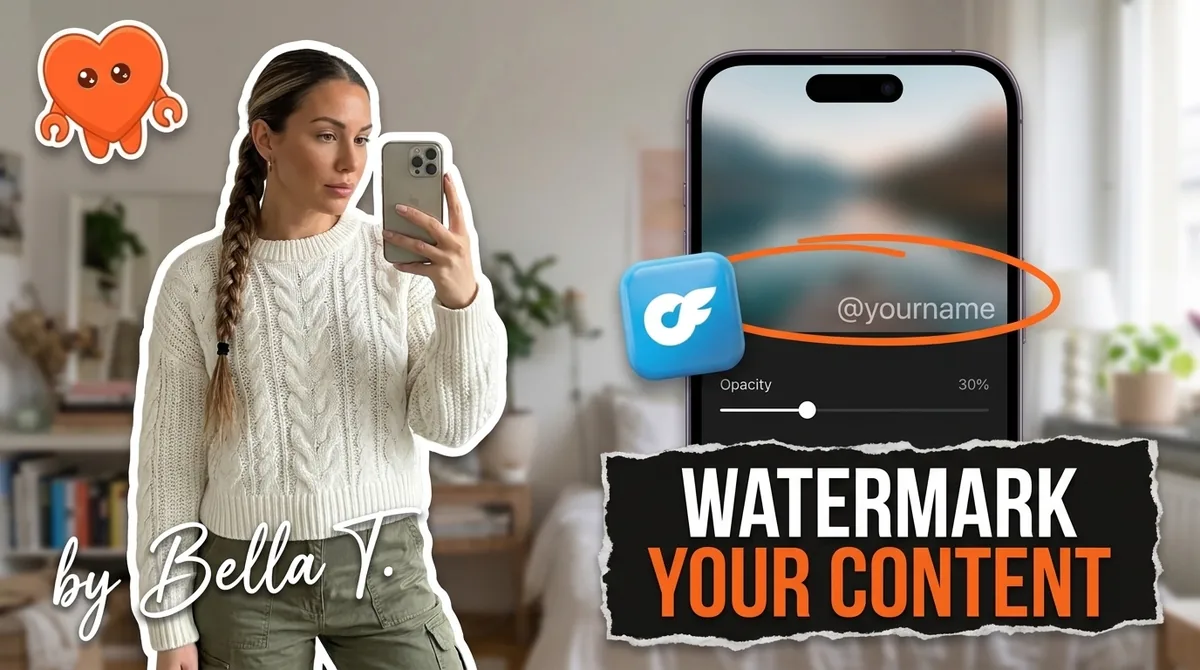
An OnlyFans watermark is a mark with your stage name placed on your photos and videos so every copy that leaks is identifiable as yours. Do not count on OnlyFans to add one that protects you: guides disagree on whether a native option exists, and a small corner mark is cropped out in seconds. The reliable approach is adding your own watermark before upload, placed over the body of the frame, with per-fan marks on pay-per-view and customs.
This guide covers what OnlyFans does and does not do, visible versus invisible watermarks, placement that survives cropping, a step-by-step routine, and per-fan marking.
Does OnlyFans watermark your content?
You should not rely on it. Published creator guides contradict each other: some tool vendors mention a default OnlyFans watermark option, while several detailed 2026 guides state the platform adds no watermark at all. What everyone agrees on is the weakness: a small handle in a corner is removed with a single crop, so it does not protect anything.
What about the OnlyFans watermark settings? Settings menus change often, and screenshots in old guides go stale. If your account offers a watermark toggle, find it in your own Settings and turn it on, since it costs nothing. Then treat it as a bonus layer, not your protection.
What the platform does not do is more important:
- It does not put a unique, per-fan watermark on each subscriber's copy, so a leak cannot be traced to a buyer by default.
- It cannot stop screenshots or screen recording. No web platform can at the device level.
- It does not apply a mark you control, with your placement, opacity, and batch codes.
So the real "watermark settings" for an OnlyFans creator are the ones in the tool you use before upload. The rest of this guide is about getting those right.
Visible vs invisible watermarks: which do you need?
A visible watermark deters and identifies. An invisible, or forensic, watermark proves. Visible marks show your stage name on the image, which discourages casual reposting and makes copies easy to spot and report. Invisible marks hide an identifier inside the file, which does not deter anyone but can show exactly which copy leaked.
| Feature | Visible watermark | Invisible (forensic) watermark |
|---|---|---|
| What fans see | Your stage name on the image or video | Nothing |
| Main job | Deter reposting, brand every copy | Prove which copy leaked |
| Survives cropping | Only if placed over the subject | Designed to survive light edits and compression |
| Works per fan | Yes, with a visible fan code | Yes, with a hidden fan ID |
| Tools | Free design tools, photo editors, mobile apps | Specialist services and enterprise vendors |
| Cost | Free to low | Usually paid |
| Best for | Every post and every teaser | High-value PPV and customs |
Enterprise vendors such as IMATAG sell forensic watermarking, and creator-focused services now package similar technology for subscription content. No scheme is impossible to remove, so treat invisible marks as evidence, not a lock.
For most solo creators the answer is both: a visible mark on everything, and an invisible or per-fan mark on the content that is worth the most.
Where to put a watermark so it survives cropping
Put the watermark where cropping it out would ruin the image: over the body of the frame, overlapping the subject, at low opacity. Corners and edges are the first place a leaker crops. A mark that sits across the part of the picture people actually want forces a choice between keeping your name or destroying the image.
Placement rules that hold up:
- Overlap the subject, not the background. Place the mark across the middle third of the frame, where the content is.
- Keep it semi-transparent. Watermarking guides commonly suggest somewhere around 20 to 40 percent opacity, so the mark reads clearly without dominating. Go stronger on free teasers, where branding matters more than aesthetics.
- Size it to be legible on a phone. If you cannot read it on a small screen, neither can someone searching for leaks.
- Use a diagonal or a repeat for your most valuable content. A diagonal line or a light tiled pattern is much harder to remove than a single word.
- Move it on video. A mark that shifts position every few seconds, or appears in several places across the clip, survives trimming and a static blur.
- Vary placement between shots. If the mark sits in the same spot on every image, it is easier to remove in bulk.
What the watermark says matters as much as where it sits. Use your stage name exactly as fans know it, optionally with a short batch code like the month and year, so you can date a leaked file. Never use your legal name or a personal social handle. And never add a link that steers fans to pay off-platform: OnlyFans prohibits that, and a watermark would stamp the violation onto every copy.
How to watermark OnlyFans content, step by step
A watermark routine takes a few minutes per shoot once your template exists. Build the template once, apply it to each set in one batch before upload, and keep your unmarked originals off the internet. Here is the process for photos and videos.
- Decide the text. Your stage name or handle, plus an optional batch code. Keep the font simple and readable.
- Build a reusable template. Create the mark once, with your chosen font, size, color, and opacity, and save it as a preset so every set looks consistent.
- Choose your tool by where you edit.
- On a computer: photo editors with a watermark option on export, such as Adobe Lightroom Classic, or a recorded action in Photoshop, apply a mark to a whole folder at once.
- In the browser: design tools such as Canva let you place a text mark and reuse the layout.
- On a phone: watermark apps such as iWatermark or eZy Watermark batch-mark photos before upload.
- For video: most desktop and mobile video editors support a text overlay you can position and animate.
- Apply it in one batch. Mark the whole set in one pass, right after editing, so nothing unmarked reaches your upload folder.
- Strip the metadata. Photos and videos can carry location coordinates and device details. Remove them before upload, either in your editor's export settings or with a metadata-removal tool.
- Run the crop test. Open two or three marked images and try to crop the mark out while keeping the image worth having. If you can, move the mark toward the center.
- Store unmarked originals offline. Keep masters on your own device or an encrypted drive, dated. Originals are your cleanest proof of ownership in a takedown.
- Upload the marked versions only. Then turn on any platform watermark option your account offers as an extra layer.
The mistakes that make a watermark useless are worth checking once:
- A corner-only mark. It is the first thing a leaker crops.
- Marking after upload. If an unmarked copy was ever online, that version can still leak.
- A different name on every platform. One consistent stage name is what makes leaks searchable.
- An opacity so low it vanishes on a phone. If you cannot see it on a small screen, it does not deter anyone.
- Losing the originals. Without dated masters, proving ownership in a dispute gets harder.
The same routine works for Fansly and every other platform you post on. Make one template per stage name and reuse it everywhere.
Per-fan watermarks for PPV and customs
A per-fan watermark ties each buyer's copy to that buyer. It is the strongest deterrent you have, because a leak no longer comes from "someone," it comes from one identifiable fan. It works best on content sent to one person or a small group: customs, private PPV sends, and VIP drops.
There are two ways to do it:
- A visible fan code. Add a short code to each copy, for example a few characters you assign to that fan. The fan sees that their copy is marked, which is the deterrent. Using a code rather than their full username means a leaked file does not expose the fan's handle to strangers.
- An invisible fan ID. Embed a hidden identifier with a forensic watermarking service. The fan does not see it, but when a copy surfaces, the service or tool reads the ID back.
A few practical rules:
- Keep a private log of which code or ID went to which fan and when. Without it, the mark is useless.
- Keep that log on your own device. It is a record of what each fan bought, which is sensitive data about real people.
- Save per-fan marking for high-value content. Marking a mass post to thousands of subscribers one copy at a time is impractical by hand. Customs and targeted PPV are where it pays off.
- Mention it once, calmly. A line in your welcome message or custom terms saying content is individually marked deters more leaks than the mark alone.
Per-fan marking also makes leak disputes simpler, because you can show which copy went where and when.
What a watermark cannot do, and what to do when a leak appears
A watermark does not stop a leak. Anyone who can see your content can screen record it, and a determined person can blur or edit a mark. What a watermark does is make copies easy to find, easy to prove as yours, and, with per-fan marks, easy to trace. That turns a leak from a mystery into a takedown you can file.
When marked content does surface:
- Search for your stage name and the batch codes you used. Your watermark is now a search term.
- Check the per-fan code on the leaked copy against your log, and block or restrict that fan.
- File removal notices with the host and the search engines. The full process, including what a valid notice must contain, is in the OnlyFans DMCA takedown guide.
A watermark with your stage name only protects you if the stage name has no ties to your real life. The rest of that setup, from geo-blocking to a separate email, is in how to stay anonymous on OnlyFans.
One last layer: who else can reach your unmarked files and your fan records. Every cloud tool or agency you hand your OnlyFans login to can see your vault and your buyers from its own servers. FanClaw is a local-first app that runs a creator's DMs, posting, acquisition, and monetization from her own machine, so your login, your fan data, and the record of who bought what stay on your device. You can download FanClaw and run it free for seven days before deciding anything.
Frequently asked questions
Do not count on it. Creator guides disagree: some tool vendors describe a default watermark option, while several detailed 2026 guides say OnlyFans adds no watermark at all. Either way, a small handle in a corner is removed with one crop, so add your own watermark before you upload.
If your account offers a watermark option, it lives in your account Settings, and menu labels change over time, so check your own dashboard rather than trusting an old screenshot. Treat any built-in mark as a bonus. Your real watermark settings are the ones in the editing tool you use before upload.
Use a free design tool or a free mobile watermark app to place a semi-transparent text mark with your stage name, save it as a template, and apply it to each set in one batch. Most free video editors can add the same text as an overlay. The whole routine takes a few minutes per shoot once the template exists.
Over the body of the frame, near the subject, not in a corner. A mark that overlaps the part of the image people actually want cannot be cropped without ruining the image. Use low opacity so it stays tasteful, and on video, change its position during the clip.
Your stage name or handle, exactly as fans know it, and optionally a short date or batch code so you can tell when a leaked file was published. Never use your legal name, your personal social handles, or a link that sends fans to pay somewhere else.
A per-fan watermark marks each buyer's copy of a PPV or custom with a code tied to that fan. If the content leaks, the code tells you who shared it. It is the strongest deterrent against repeat leakers and works best on content sent to one person or a small group.
Forensic watermarks hide an identifier inside the file that can survive compression and light edits, so they can prove which copy leaked. They do not deter anyone, because nobody sees them, and no scheme is impossible to remove. A practical setup pairs a visible mark on everything with an invisible one on your highest-value content.