OnlyFans scams: how creators spot and avoid them
The scams that target OnlyFans creators in 2026: impersonation, chargeback fraud, phishing, and fake collabs. Here is how to spot each one and protect yourself.
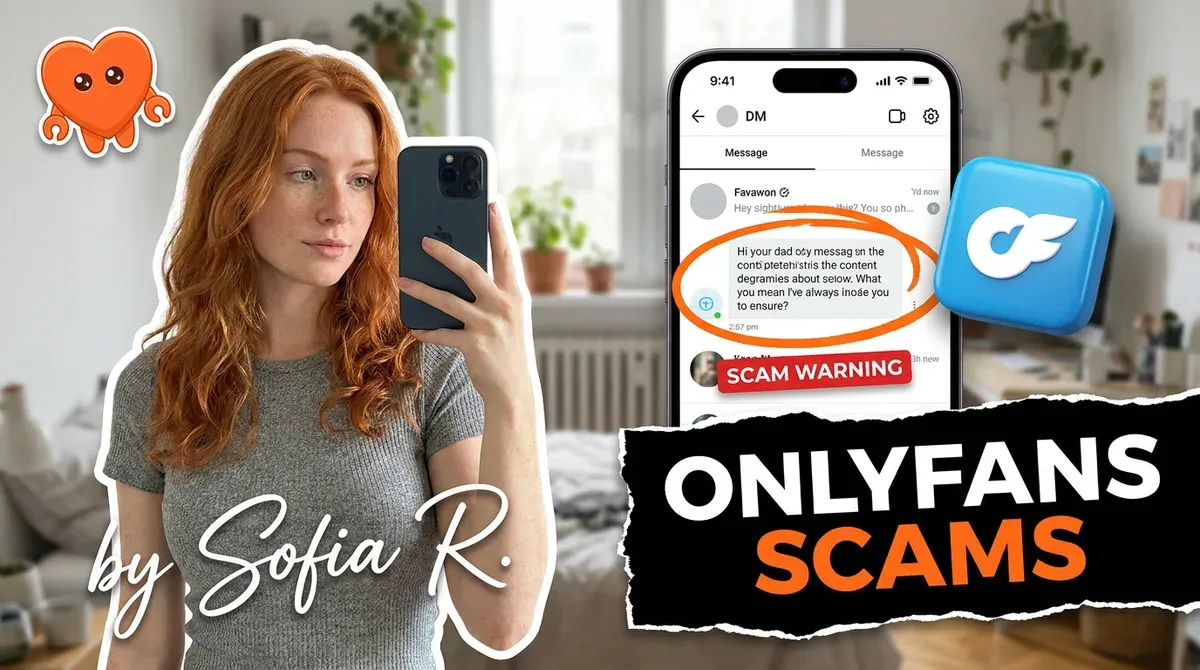
The scams that target OnlyFans creators in 2026 cluster into four types: impersonation (someone clones your identity onto a fake page), chargeback fraud (a fan pays, takes the content, then reverses the charge), phishing (fake support or tools trying to steal your login), and fake collaboration or agency offers. Almost every creator loss traces back to one of these. The good news is that each has clear tells and clear defenses, and the single most important rule covers most of them: never hand your login to anyone. This guide breaks down each scam and exactly how to protect yourself.
What OnlyFans scams target creators?
Most coverage of OnlyFans scams is written for fans avoiding fake creators. This is the other side: the scams aimed at you, the creator. They fall into four buckets, and knowing the shape of each is half the defense.
- Impersonation and identity theft. The most common. Someone steals your photos and builds a fake page in your name.
- Chargeback fraud. A fan pays, consumes your content, then disputes the charge so the money is clawed back.
- Phishing and fake support. Messages or tools posing as OnlyFans to steal your login.
- Fake collaborations and recruitment. Offers to "team up" or "manage" you that really want access to your account, content, or money.
The rest of this guide takes each in turn, then gives you the protection checklist that ties them together.
Impersonation and identity theft
This is the most prevalent scam, and it targets your brand rather than your wallet directly. A scammer scrapes your photos and videos, builds a fake page or social account in your name, and uses it to lure your fans, sometimes to a phishing link, sometimes to a competing fake page that pockets the money. You lose subscribers and reputation, and your fans lose money in your name.
The defense is verification and visibility. Keep a genuine, linked presence across your real social accounts, Instagram, X, TikTok, so fans can confirm which page is actually yours. When you find a clone, report it to the platform and file an impersonation or copyright claim, since the fake is using your content without permission. Document everything with screenshots. The impersonator's entire game is that fans cannot tell the real you from the fake, so making your real identity easy to confirm is the counter.
Chargeback fraud
Chargeback fraud is when a fan pays, receives your content, then disputes the charge with their bank so the money is pulled back, often with a fee on top, while they keep the content. Sometimes it is a stolen card; sometimes it is "friendly fraud," a real buyer simply lying to their bank. Either way you are out the money and the work.
It gets worse than a single loss. OnlyFans watches your chargeback ratio, and too many disputes can flag or suspend your account. So treat prevention as account protection, not just revenue protection: take 50 percent upfront from new fans on customs, keep every payment on-platform, watermark your content, and document each transaction. Chargebacks are common enough that they deserve their own playbook, covered in depth in our guide to OnlyFans chargebacks.
Phishing and fake support
Phishing is the scam that can cost you your whole account, because it goes after your login. It usually arrives as a message claiming to be OnlyFans support, warning of a problem and pushing you to "verify" through a link that leads to a fake login page. Enter your details and the scammer has your account.
The rule is absolute: OnlyFans will never ask for your password, by email, DM, or any tool. Only ever log in on the official onlyfans.com, never through a link someone sent you, and never enter your password into a third-party app. This is also the deepest problem with the typical cloud chatting tools creators are sold: they ask for your OnlyFans login and sign in as you from their own servers, which means your credentials sit on a company's machines, one breach away from exposure. The single safest pattern is software that runs on your own machine and never asks for your password to live on someone else's server.
Fake collaborations and recruitment scams
The friendliest-looking scam is the collaboration or agency offer. Someone slides into your DMs proposing a content collab, a shoutout swap, or "management" that will grow your page. The real aim can be access to your account, your content, or an upfront fee. Recruitment scams in particular promise big earnings and then want a payment or your login to "get started."
Vet before you trust. Reverse image search a collaborator's profile photos to confirm they own the account they claim. Demand a live video call before any agency arrangement. Read any contract fully, and never pay an upfront fee to be "hired," because legitimate opportunities pay you, not the other way around. A real partner passes these checks without complaint; anyone who resists basic verification is telling you what they are.
How to protect yourself: the checklist
Most of the four scams collapse against a short set of habits. Build these in and your exposure drops sharply:
- Never share your login. Not with support, not with a tool, not with a "manager." OnlyFans never asks.
- Keep every payment on-platform. Block any fan who pushes you to an outside payment app.
- Take 50 percent upfront on customs from new fans, and watermark and document everything.
- Reverse image search collaborators, and demand a video call before any agency deal.
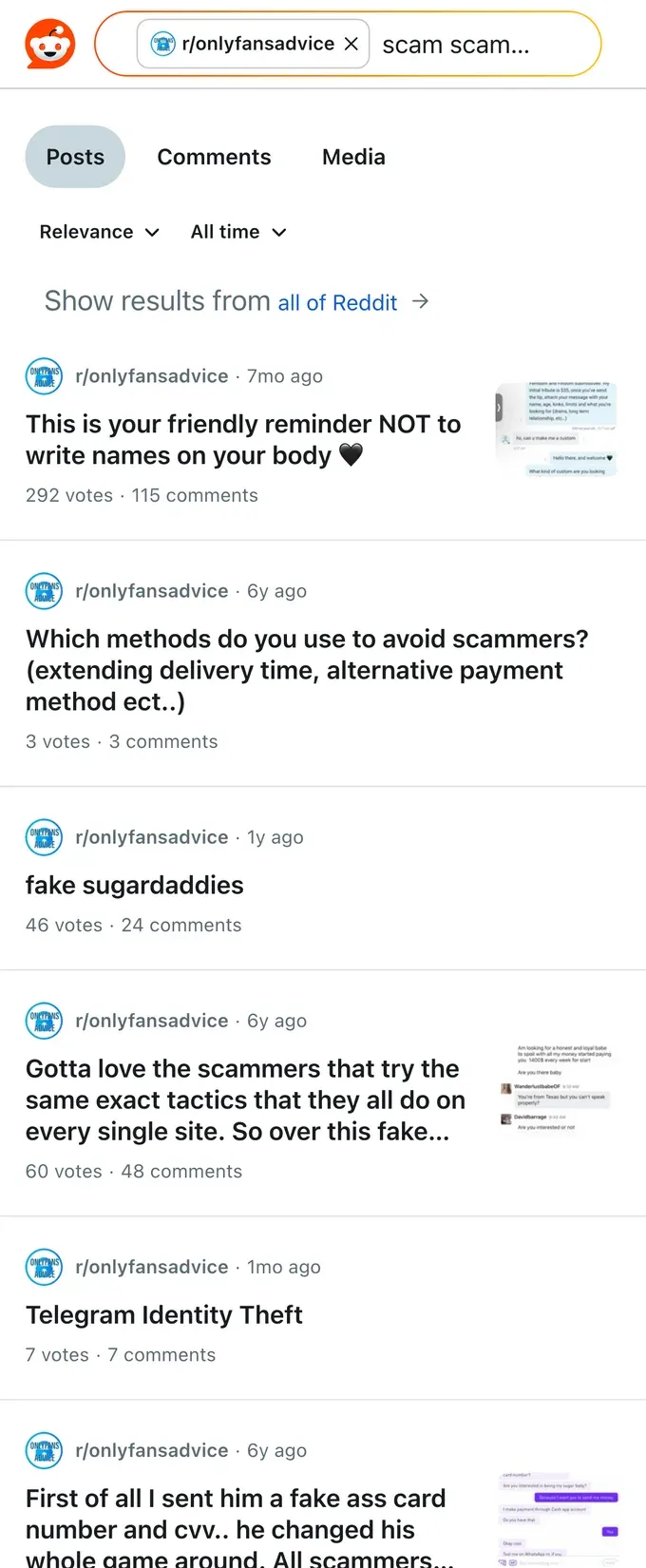
- Check community blocklists of known scammer fans (the creator-maintained Spicy Blocklist) and read creator threads on Reddit before engaging a suspicious high-spender.
- Keep your real socials linked and verified so fans can spot impersonators.
The thread running through all of it is control of your own account and data. The reason cloud tools are a risk is that they take your login off your machine; the reason on-platform payment matters is that it keeps the transaction where you have recourse. FanClaw is a local-first app that runs a creator's DMs and follow-ups from her own machine, so your login never leaves your hardware and no third party holds the keys to your account. If protecting your account is the priority, download FanClaw and keep the credentials, and the control, on your side. For the identity-protection side, how to stay anonymous on OnlyFans goes deeper.
Frequently asked questions
Four dominate: impersonation and identity theft (someone clones your photos onto a fake page), chargeback fraud (a fan pays, gets content, then reverses the charge), phishing (fake support or tools trying to steal your login), and fake collaboration or agency offers designed to get access to your account or content. Most losses trace back to one of these four.
Verify before you trust. Reverse image search their profile photos to confirm they are who they claim, demand a live video call before any agency deal, and never hand over your login or sign anything you have not read. A real collaborator or manager will pass these checks easily. Anyone who resists basic verification is a red flag.
A fan subscribes or buys content, often with a stolen card or simply intending to cheat, receives the content, then disputes the charge with their bank. The money is pulled back from you, usually with a fee, and the fan keeps the content. Repeated chargebacks can also get your account flagged or suspended, so prevention matters.
No. OnlyFans will never ask for your login or password by email, DM, or any tool. Any message claiming to be support and asking you to log in through a link is phishing. Only ever log in on the official onlyfans.com, and never enter your password into a third-party app or a link someone sent you.
Take 50 percent upfront from new fans on custom content, keep every payment on the platform, watermark your content, document each transaction (timestamps and message records), and avoid high-risk users. Clear refund expectations in your bio and welcome message also reduce disputes before they start. None of it is perfect, but together it cuts your exposure sharply.
It is a free, creator-maintained master list of fans who have been reported for scamming or filing chargebacks across OnlyFans, Fansly, and other platforms. Checking a new high-spend fan against community blocklists, and reading creator threads on Reddit, helps you catch known bad actors before they cost you. Treat it as one signal, not a verdict.
Report the fake account to the platform it is on and file a copyright or impersonation claim, since the fake is using your content and identity without permission. Document everything with screenshots. Keeping a verified, linked presence across your real social accounts also helps fans tell your genuine page from a clone, which is the impersonator's whole game.