OnlyFans Telegram bot: how creators use one safely
An OnlyFans Telegram bot cannot reply to your OnlyFans DMs. Here is what these bots actually do, the ban risks, and the safer way to automate from your machine.
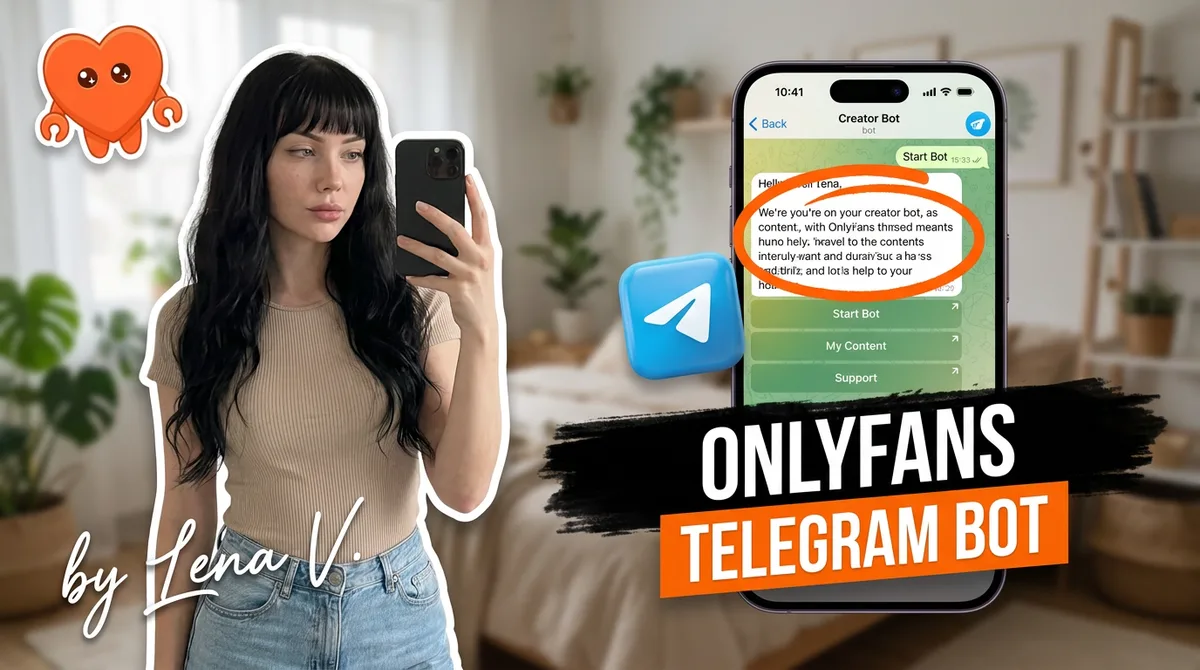
An OnlyFans Telegram bot cannot reply to your OnlyFans DMs. That is the first thing to clear up, because the search term implies something that does not exist: Telegram and OnlyFans are separate systems, and a Telegram bot has no way to read or send messages inside OnlyFans. What these bots actually do is promote your page in Telegram groups or run a Telegram channel where you sell content. Used carefully, that is a powerful funnel. Used like a spam cannon, it gets your Telegram banned and your OnlyFans reported.
Here is what an OnlyFans Telegram bot really is, the ban risks on both platforms, and the safer way to automate the part that matters most: your actual OnlyFans inbox.
What is an OnlyFans Telegram bot?
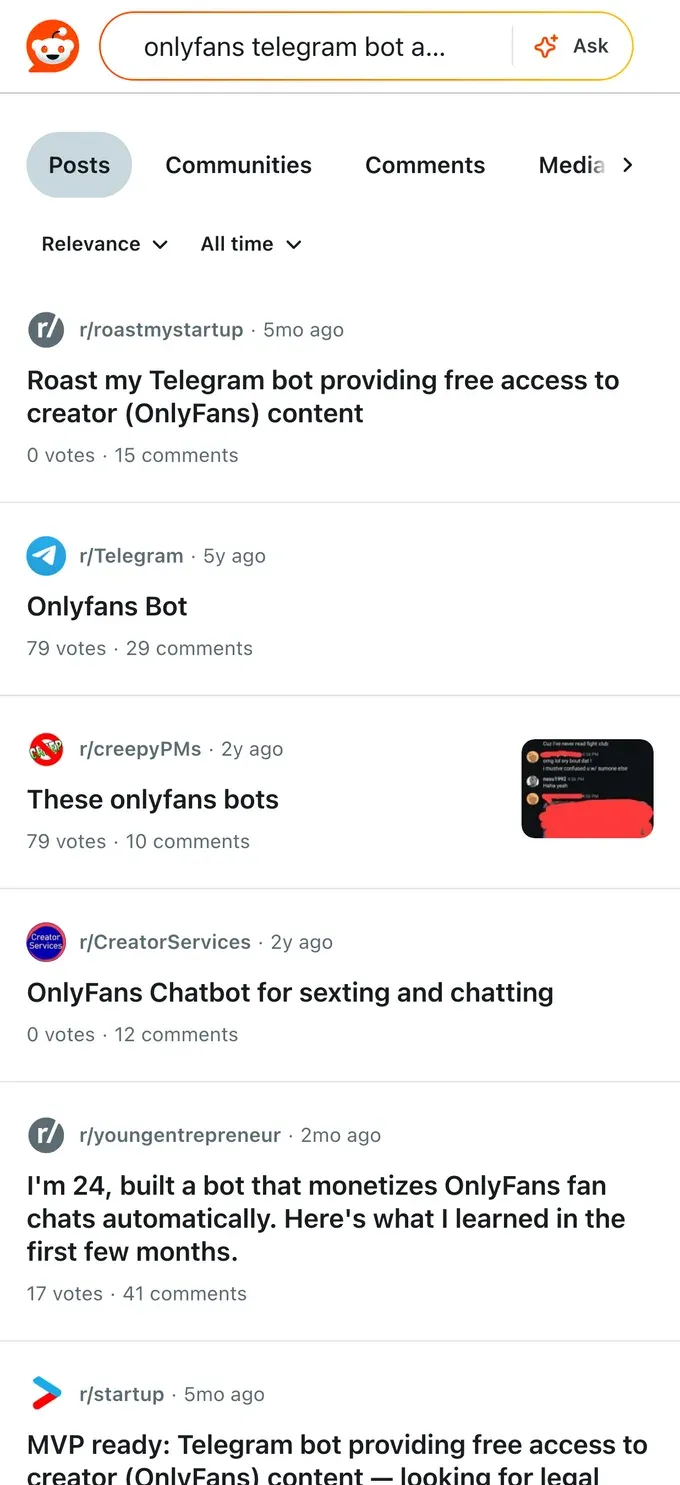
An OnlyFans Telegram bot is automation that lives on Telegram and points toward your OnlyFans page. It comes in two forms, and neither one touches your OnlyFans account.
- Promotion bots. These post your OnlyFans link, teaser content, and call-to-action buttons into Telegram groups and channels on a schedule, sometimes every few seconds across many groups. The goal is traffic. This is what people in the space call "shilling."
- Telegram channel and CRM bots. These run a fan community on Telegram itself: welcome messages to new members, polls, scheduled posts, and pay-per-view offers sold directly in Telegram DMs. Here Telegram is a second storefront, not a pipe into OnlyFans.
Both are real tools creators use. What neither does is log into OnlyFans and chat with your subscribers. That distinction is the whole point of this article, so it gets its own section.
Can a Telegram bot reply to your OnlyFans DMs?
No. A Telegram bot cannot read, send, or manage your OnlyFans direct messages. OnlyFans does not offer a public bot interface, and Telegram automation runs entirely inside Telegram. If a service claims its Telegram bot will "answer your OnlyFans DMs," what it is really doing is one of two things: routing your OnlyFans messages through a cloud tool that signed into OnlyFans as you, or simply automating Telegram and letting you assume it covers both.
That difference matters for your safety. Any tool that genuinely sends OnlyFans replies has to operate on OnlyFans directly, which means either it runs on your own machine or it holds your login on its servers. The Telegram bot itself is not doing it.
So the honest answer to "onlyfans bot replies" through Telegram: the bot replies to people on Telegram. Your OnlyFans inbox still needs its own solution.
How creators actually use Telegram with OnlyFans
Telegram earns its place in a creator's stack for reasons that have nothing to do with the OnlyFans inbox. It is free, it has no algorithm throttling your reach, and it lets you message your entire audience directly. Smart creators use it three ways.
- Warm up leads before OnlyFans. A free Telegram channel lets a curious follower sample your vibe, build trust, and then convert to a paid OnlyFans subscriber. Warm traffic converts better than a cold link drop.
- Own a backup audience. If your OnlyFans or a social account gets suspended, a Telegram list you control is a lifeline. You own the audience, not a platform.
- Sell limited-time offers. Creators run pay-per-view drops and time-boxed discounts to Telegram members, who are already engaged and one tap from buying.
The pattern that works is a funnel: social platforms feed Telegram, Telegram warms and filters, and OnlyFans is where the deeper paid relationship lives. The bot, if you use one, automates the repetitive Telegram parts, not the selling that needs your voice.
Is it safe? The ban risks on both platforms
Telegram promotion is allowed, but two kinds of misuse create real risk, one on each platform.
On Telegram, spam is the trigger. Unsolicited mass messages, identical scripts blasted into unrelated groups, high message volume, and user reports drive most enforcement. Telegram's own spam policy is blunt about it: a first offense usually limits your account for a few days, but "if you keep writing unwanted messages to strangers, you may lose the ability to do so forever." Shilling bots that dump your link into dozens of groups every few seconds are exactly the behavior that gets accounts removed. Always read each group's rules and post like a member, not a billboard.
On OnlyFans, the risk is indirect but real. Your Telegram bot never connects to OnlyFans, so it cannot get your page banned by itself. But if fans complain that your promotion was deceptive or bot-driven, OnlyFans can act on those complaints. The platform also bans fully autonomous bots that impersonate a creator with no human oversight, the same practice flagged in reports of agencies running AI software to sext with subscribers in ways that bypass any real human and break the platform's promise of direct creator contact. The lesson is consistent across both: spam and deception are what get punished, not automation as a category.
Nothing damages a creator brand faster than a fan realizing they were chatting with a bot pretending to be you. Automation that is honest and sounds like you survives. Automation that fakes a human and gets caught burns trust you cannot easily rebuild.
The safer setup: one agent on your own machine
Here is the gap most "OnlyFans Telegram bot" setups leave open. They automate your Telegram promotion, but your real OnlyFans inbox, where most of your money is made, still gets handled by hand or by a cloud chatting tool that signed in as you. The first option burns you out. The second hands your login and every fan message to a company you have never met, on servers you do not control.
There is a better model: one agent that runs on your own computer and handles both surfaces. FanClaw is a local-first app that runs your DMs, posting, acquisition, and monetization, across OnlyFans, Telegram, and your other platforms, from your own machine. Your login never leaves your laptop. Your fan conversations never sit on someone else's server. It sends your messages in your own voice and keeps you in the loop on anything sensitive. That is the difference between a cloud bot holding your password and an agent under your own roof doing the work.
If you want the full picture of doing this within the rules, here is how to automate your OnlyFans DMs without handing your account to anyone, or you can download FanClaw and run your first session locally tonight.
How to set up a Telegram funnel that converts
If you want the Telegram side working without tripping a ban, build it as a funnel, not a firehose.
- Create a free public channel with your best safe-for-Telegram teasers and your OnlyFans link pinned at the top.
- Feed it from your social platforms, so people arrive warm, then convert to paid OnlyFans subscribers from there.
- Automate only the repetitive parts: welcome messages to new members, scheduled posts, and occasional limited-time offers. Keep it on-voice.
- Promote like a member. If you post in other groups, follow their rules, contribute, and avoid blasting identical links. This is the single biggest factor in keeping your Telegram account alive.
- Keep the selling human. Pay-per-view drops and custom requests deserve your real attention. Let automation handle the hellos, not the close.
Let me walk through how I actually built mine, because the bullet list above hides the small decisions that make the difference between a funnel that compounds and one that gets reported in week two.
Channel versus group, and why I run both
A Telegram channel is one-way: you broadcast, members read, nobody can reply in the feed. That is exactly what you want for your public top-of-funnel. It stays clean, your pinned OnlyFans link sits at the top of every new member's screen, and there is no comment section for trolls or competitors to clutter. A group is two-way, where members talk to each other and to you. I keep my public-facing presence as a channel and reserve a small group for the warmest fans, because an open group full of strangers turns into a moderation job fast and invites exactly the spam reports you are trying to avoid. If you only run one thing, run the channel.
Set the channel to public so it has a username people can find and you can link to from your bio. Pin a single message: a short line about who you are, one tasteful teaser, and your OnlyFans link. Do not pin five things. The pin is the conversion moment, and a cluttered pin converts worse than a clean one.
What "safe for Telegram" actually means
Telegram is not OnlyFans. Posting full explicit content on a public channel is how you collect reports and how your channel gets flagged, especially on iOS, where Apple's rules push Telegram to restrict adult material harder than on the web or Android. Treat the public channel as a movie trailer, not the movie. Implied, clothed, suggestive, the stuff that makes someone curious enough to click the pin. Keep anything explicit behind the OnlyFans paywall where it belongs and where you actually get paid for it. This single rule keeps your channel alive longer than any other tactic.
The automation worth turning on, and the kind that gets you banned
The repetitive parts genuinely worth automating are narrow. A welcome message that fires when someone joins, so a new member immediately sees who you are and where to go. Scheduled teaser posts so your channel stays alive on the days you are too busy to post by hand. An occasional limited-time offer announcement. That is the whole list. Notice what is not on it: blasting your link into other people's groups on a timer. That is the shilling behavior Telegram's spam system is built to catch, and it is the fastest route to a permanent limit. Promotion in other groups should be something you do by hand, sparingly, like a member who happens to also create, never an automated link cannon.
When you do promote outside your own channel, read the group's pinned rules first. Many creator-adjacent groups have a dedicated promo thread or a once-a-day window. Post there, not in the main chat. Contribute something real before you ever drop a link. The fastest way to get reported is to join, post your link, and leave, because that pattern is indistinguishable from a bot to both the members and Telegram's moderators.
Where your OnlyFans inbox fits, and why it stays separate
Here is the trap I watched other creators fall into. They get the Telegram funnel humming, traffic flows to OnlyFans, subscribers climb, and then the OnlyFans inbox becomes a wall of unanswered messages because all their automation energy went into Telegram, which cannot touch that inbox at all. Telegram warms the lead. OnlyFans is where the paid relationship and most of the money live, and that is a separate surface with its own messages, its own pay-per-view, its own fans who expect a reply that sounds like you.
So I handle the two surfaces with one tool that lives on my own laptop instead of a cloud bot for each. The local agent runs the Telegram welcome flow and the scheduled posts, and it handles the OnlyFans DMs in my voice, with me approving anything that involves a price or a sensitive ask. Same voice across both surfaces, both sets of credentials staying on my machine, nothing about my fans sitting on a stranger's server. That is the setup that lets the funnel grow without leaving the most valuable inbox unanswered.
An OnlyFans Telegram bot is a useful traffic tool and a terrible inbox solution, because it was never built to touch your OnlyFans inbox at all. Run Telegram as the funnel it is, automate the repetitive parts without spamming, and handle your actual DMs from your own machine, in your own voice. That combination grows the account without putting either platform at risk.
Frequently asked questions
No. Telegram bots cannot access, read, or send messages inside OnlyFans. The two platforms are separate, and OnlyFans has no public bot interface. Any automated chatting a Telegram bot does happens on Telegram itself. Replying to OnlyFans DMs requires a tool that works on OnlyFans directly, ideally one that runs on your own machine.
It is one of two things. Either a promotion bot that posts your OnlyFans link into Telegram groups automatically, or a Telegram channel and CRM setup that runs a fan community where you sell pay-per-view content. Neither connects to your OnlyFans inbox. Both live entirely on Telegram.
Promoting your OnlyFans on Telegram is allowed. The trouble comes from how. Spamming links into unrelated groups gets your Telegram account banned, and if fans complain about deceptive or bot-driven promotion, OnlyFans can act on those complaints. OnlyFans also bans fully autonomous bots that impersonate a creator with no human oversight.
Not directly, because it never touches your OnlyFans account. The indirect risk is real, though: aggressive shilling generates fan complaints, and OnlyFans can penalize a creator whose promotion is reported as deceptive. Keep promotion honest and human and the indirect risk stays low.
Telegram is free to run, has no algorithm suppressing your reach, and lets you message your whole audience directly. Creators use it to warm up leads before sending them to OnlyFans, to keep a backup audience they own, and to sell limited-time pay-per-view offers. It is a funnel and a safety net, not a replacement.
Yes. Welcome messages, follow-ups, and mass messages are allowed on OnlyFans itself. The safe way is to run that automation on your own machine in your own voice, with a human approving anything sensitive. The risk is never automation itself, it is handing your login to a cloud service or sounding like a robot.
Run one tool on your own computer that manages both, rather than a cloud bot that holds your logins on its servers. A local agent keeps your credentials and your fan conversations on your machine, sends your OnlyFans and Telegram messages in your voice, and keeps you in control of what fires.
They mind being deceived, not being assisted. Fans who discover they were chatting with a bot pretending to be you lose trust fast. Honest, on-voice automation that you wrote and approve does not have that problem. Disclosure and a real human presence on important conversations keep the relationship intact.