Is there an OnlyFans app? (2026)
No, OnlyFans has no native app on the App Store or Google Play. Here is why, how to add the web app to your phone, and how creators actually run it day to day.
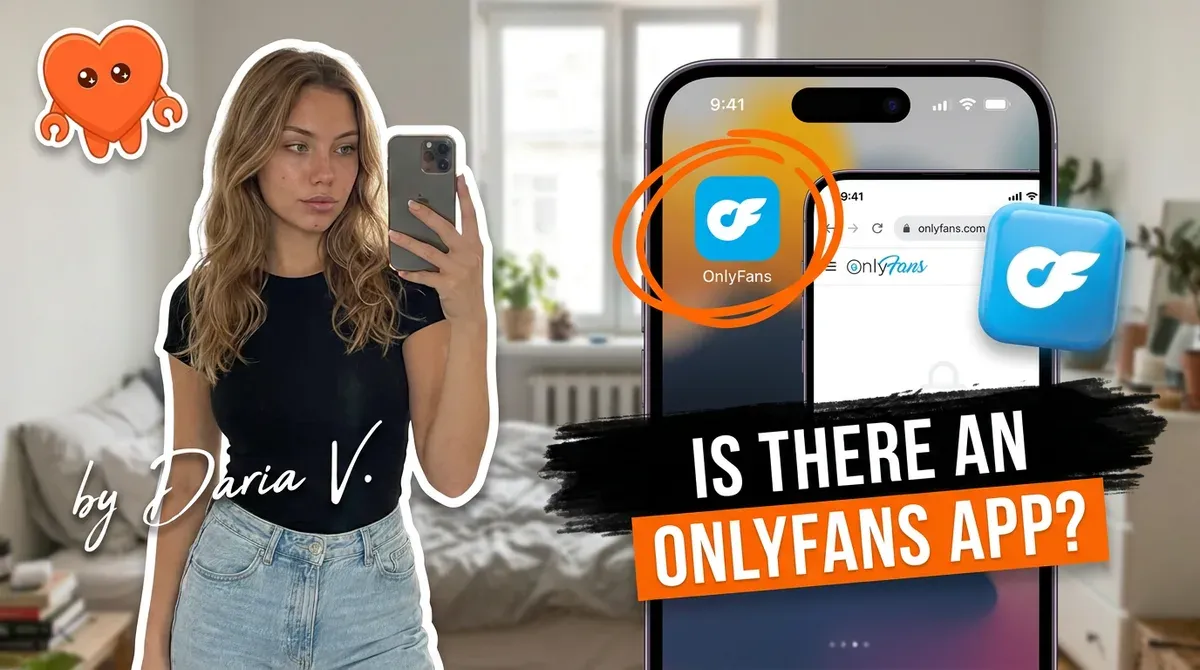
No, there is no official OnlyFans app on the Apple App Store or Google Play, and there never has been. OnlyFans runs as a website and a web app you open in your browser, on a phone or a computer. The reason is simple: both app stores restrict adult content, so an OnlyFans app would not be approved. The good news is you can add the web app to your phone's home screen so it opens like a normal app, with no store involved.
This guide covers why there is no app, how to put OnlyFans on your phone anyway, what the OFTV app actually is, and how creators run the whole thing day to day.
Is there an OnlyFans app?
No native app exists. OnlyFans is a browser-based platform: you use it at onlyfans.com on a computer, or through the same site on your phone, which behaves like a web app. There is nothing to download from an app store, and there never has been an official one. If you search the App Store or Google Play and find something called "OnlyFans", it is a third-party app, not the platform, and you should not trust it with your login.
This trips people up because almost every other platform has an app, so the instinct is to go looking for one. On OnlyFans the website is the app. It is fully featured on mobile, it just lives in your browser instead of behind a store icon. Once you know that, the experience is the same as any other modern site you use on your phone.
The one caution worth stating plainly: any "OnlyFans" app you can download is impersonating the platform. The real thing is a website. Treat anything else as a place that wants your password, not a shortcut.
Why isn't OnlyFans on the App Store or Google Play?
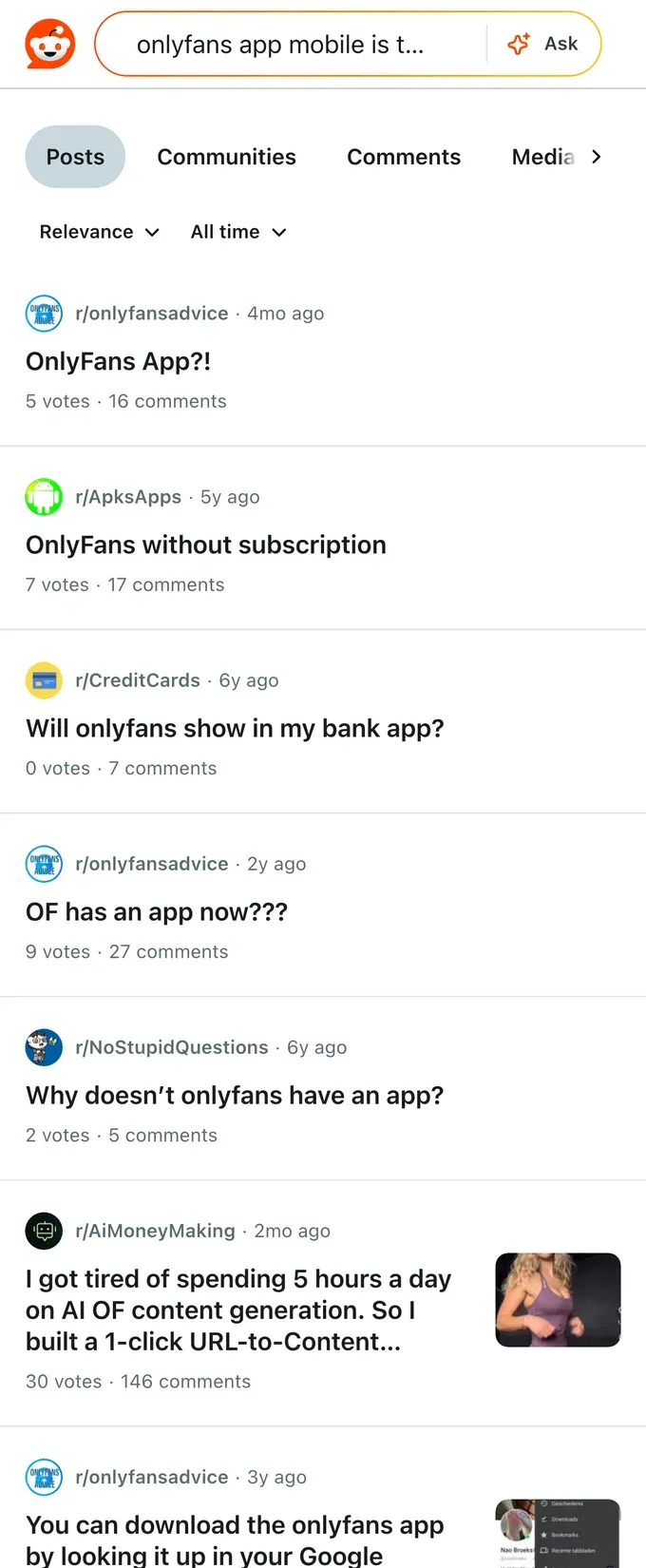
Adult content, full stop. Apple and Google both enforce strict policies against pornographic material in their app stores, and an app that delivered OnlyFans content would violate them. Rather than gut the platform to fit those rules, OnlyFans stays on the open web, where it sets its own content policy and is not subject to a store's approval.
That choice has a side benefit for the platform. App stores take a cut of in-app purchases, often up to 30 percent, and they control the rules. By staying browser-based, OnlyFans avoids both the content rejection and the store's commission, and keeps full control of how subscriptions and payments work. So the missing app is not an oversight or a roadmap item. It is a deliberate consequence of what the platform hosts and how it prefers to run.
How to use OnlyFans on your phone (add to home screen)
You do not need an app to get an app-like experience. OnlyFans is a web app, so you can pin it to your home screen and open it from an icon. It takes about ten seconds:
- Open your phone's browser and go to onlyfans.com, then log in.
- On iPhone (Safari): tap the share icon, then "Add to Home Screen".
- On Android (Chrome): tap the browser menu (three dots), then "Install app" or "Add to Home Screen".
- Tap the new icon on your home screen. It opens OnlyFans full-screen, without the browser bars, so it feels like a normal app.
That shortcut is the official mobile experience, and it is the only one you should use. It loads the real site, keeps your login on onlyfans.com, and gives you the full feature set: posting, messaging, earnings, and subscriber management. No store, no download, no third party in the middle.
What is OFTV, and how do creators actually run OnlyFans?
There is one real OnlyFans app in the stores, and it is not the platform. OFTV is a separate, free, completely safe-for-work streaming app, with content like fitness, cooking, music, and comedy. It does not host paid posts or adult content, and you do not run your creator business from it. It exists for discovery and brand-safe video, so if you downloaded OFTV expecting your subscriptions and DMs, that is why they are not there.
For the actual work, creators run OnlyFans from the web app, and the practical pattern is split by device: quick messaging and replies from a phone, heavier tasks like scheduling, analytics, and mass messages from a laptop, all on the same site. If you are setting this up for the first time, how to start an OnlyFans walks through the full setup.
The bottleneck, once you are running, is not the lack of an app. It is the hours the manual work eats: answering the same DMs, following up, posting on schedule, every day. Because OnlyFans lives in the browser, that work is yours to do by hand unless you put something on top of it. This is what FanClaw is for. It is a local-first app that runs a creator's DMs, posting, and follow-ups from her own machine, so the repetitive grind happens without you living in the inbox, and your fan data never leaves your hardware. The platform will not give you an app to make that easier. You can download FanClaw and run that side from your own machine instead.
Frequently asked questions
No. There is no official OnlyFans app on the Apple App Store or Google Play, and there has not been one. OnlyFans runs as a website and a web app you open in your phone or computer browser. Any app claiming to be OnlyFans in an app store is third-party and not the real platform, so be cautious with your login.
Because of adult content. Both Apple and Google enforce strict rules against pornographic content in their app stores, so an app hosting OnlyFans content would not be approved. Rather than strip the platform down to fit those rules, OnlyFans stays browser-based, where it controls its own experience.
Open OnlyFans in your phone's browser, log in, then use the browser menu to add it to your home screen. On iPhone, use the share icon and Add to Home Screen; on Android, use the browser menu and Install or Add to Home Screen. It then opens from an icon like a normal app, because it is a web app.
Yes, the official OnlyFans site and its web app are the legitimate way to use the platform. The risk is third-party apps that impersonate OnlyFans to harvest logins. Only ever log in on onlyfans.com or the home-screen shortcut you created from it, and never enter your OnlyFans password into an app you downloaded from a store.
OFTV is a separate, free, safe-for-work streaming app from OnlyFans, featuring content like fitness, cooking, music, and comedy. It is not the OnlyFans platform and does not host paid or adult content. So yes, there is an OnlyFans app in the store, but it is not the one most people are looking for.
Yes. The web app gives creators a full mobile experience: posting, messaging, checking earnings, and managing subscribers all work from a phone browser. Many creators run day-to-day messaging from their phone and heavier tasks like scheduling and analytics from a laptop, since both use the same site.
Be very careful. Apps that promise OnlyFans access or extra features often want your login, and handing your credentials to an unknown third party is the single biggest account risk there is. If a tool signs in as you from its own servers, a breach or a flag on its end can take your account down with it. Keep your login on the official site.