

OnlyFans payment methods: how you get paid (2026)
How OnlyFans pays creators in 2026: the 80/20 split, the $20 minimum, the 7-day hold, and every payout method compared by speed and region.
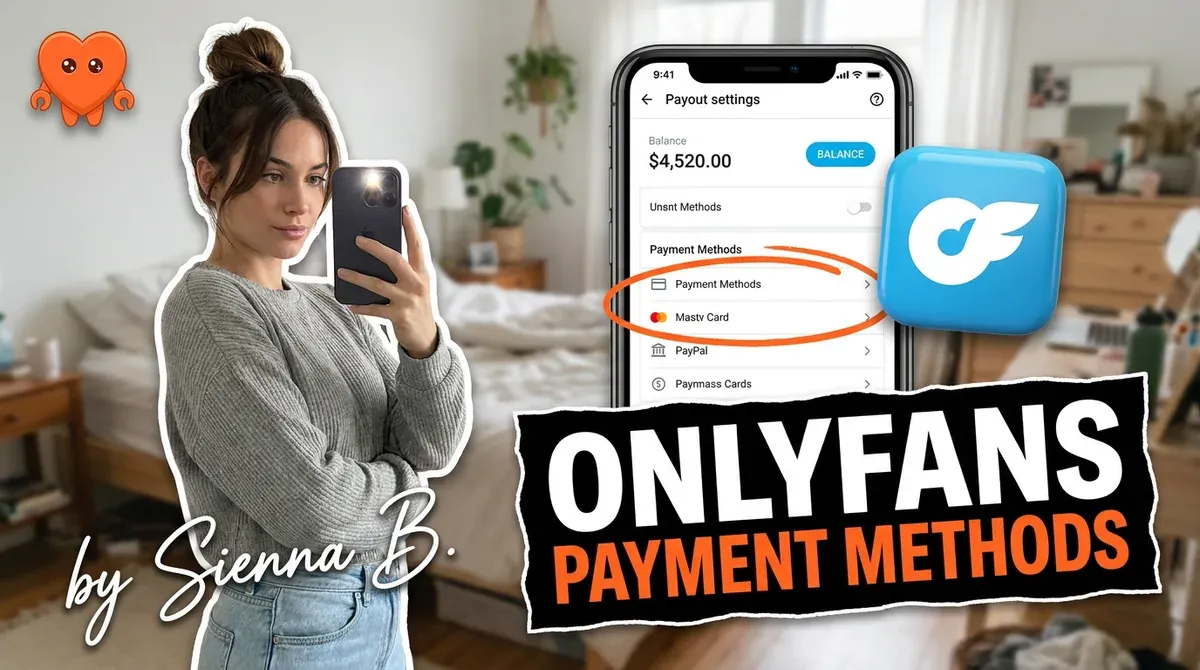
OnlyFans pays creators 80 percent of everything they earn, holds each payment for 7 days as fraud protection, then lets you withdraw to a bank account or e-wallet once your balance passes a roughly $20 minimum. Fans pay by card only, there is no separate withdrawal fee on top of the 20 percent cut, and you can set payouts to run automatically or withdraw by hand. That is the whole system in one paragraph, and the rest is the detail that decides how fast the money actually reaches you.
This guide covers how OnlyFans pays creators, every payout method compared by speed and region, how long the money takes, how fans pay, and the payment problems worth planning around.
How does OnlyFans pay creators?
OnlyFans pays you 80 percent of your gross earnings and keeps 20 percent as its platform fee. That split applies to everything: subscriptions, tips, pay-per-view unlocks, and paid messages. There is no separate payout fee stacked on top, so the 20 percent is the full platform cut, and what reaches your bank is your 80 percent minus whatever your own bank charges to receive a transfer.
The flow has three stages. Money you earn first lands in a pending balance, where it sits for 7 days. After the hold it moves to your current balance, which is the withdrawable amount. From there you either let an automatic payout sweep it to your account on a schedule you set (daily, weekly, or monthly) or you request a manual withdrawal when you want it. You need to clear a minimum of about $20 to withdraw, and you need a verified payout method on file.
The one-line version worth remembering: on OnlyFans, money earned today is not spendable today. It is spendable in a week, and then a few days more to clear into your account.
OnlyFans payout methods compared
Your payout method decides how fast you get paid and whether your bank gives you trouble. OnlyFans pays out through bank transfers and a couple of e-wallets, and the right pick depends on your country and how adult-industry-friendly your bank is.
| Method | Speed | Best for | Notes |
|---|---|---|---|
| Direct deposit / ACH | 1 to 2 business days | US creators | Common default, fast, low friction |
| Bank wire | 3 to 5 days domestic, 5 to 7 international | Larger balances, no e-wallet | Your bank may charge a receiving fee |
| Paxum (e-wallet) | About 1 day | Anyone whose bank is difficult about adult income | The standard workaround in this industry |
| Skrill (e-wallet) | Fast | European creators | Useful where Paxum rates are weak locally |
E-wallets exist for a reason. Banks sometimes flag or decline transfers connected to the adult industry, even though the income is perfectly legal. Paxum is the long-standing answer: it accepts adult-industry payouts, pays out fast, and you can move money from it to your regular bank afterward. Skrill plays the same role for many European creators. If your bank has never given you a problem, direct deposit is simplest. If it has, set up an e-wallet before you need it, not after a payout gets bounced.
How long does an OnlyFans payout take?
Two clocks run, and people only remember the second one. First, the 7-day pending hold on every payment, which is a chargeback and fraud protection measure that cannot be bypassed by anyone, no matter how long they have been verified. Second, the transfer time once you withdraw, which usually runs 3 to 5 business days and occasionally up to 10.
Stack those together and the realistic picture is this: a payment you earn today is generally available to spend a week and a half from now, give or take the method. Direct deposit and Paxum sit at the fast end. International wires sit at the slow end. Automatic payouts do not skip the hold; they just remove the manual step once funds clear it.
Plan your cash flow around the hold, not around the sale. A big pay-per-view that lands on the first does not pay your rent on the second. Creators who get caught out are usually the ones who treated a notification as cash in hand.
How do fans pay on OnlyFans?
Fans pay by debit or credit card, full stop. OnlyFans does not accept PayPal, and it does not run on cryptocurrency. Every subscription, tip, and unlock goes through the card networks on the platform itself, which is why a fan needs a working card on file and nothing else.
That card-only design is not an accident, and it matters for you as a creator. Keeping every transaction on-platform is exactly what the rules require, and it is why pushing a fan toward an outside payment link to dodge the 20 percent cut is treated as a serious violation. The fastest way to put your account at risk is to move money off the platform. The card flow is slightly less flexible for fans, and far safer for your account.
Common payout problems, and how to keep your margin
Most payout headaches come from three places: a bank that dislikes adult-industry income, the 7-day hold catching you short, and verification not being finished before you try to withdraw. The fixes are boring and they work. Set up an e-wallet if your bank is fussy, finish identity verification early, and budget around the hold so a slow week never becomes a missed bill.
The deeper point is about how much of your 80 percent you actually keep. The platform's 20 percent is fixed, but the other big leak is what you pay on top of it. A management agency takes another 20 to 50 percent of your revenue, on top of the platform fee, to do work that is increasingly software. That is the real margin question, and it is worth doing the math before you sign anything. How much does OnlyFans take breaks the cut down in full.
This is where the tool you run starts to matter. FanClaw is a local-first app that handles a creator's DMs, posting, and follow-ups from her own machine, so the work that an agency charges a third of your income for happens without handing over a cut or your login. If the goal is to keep more of the 80 percent OnlyFans already pays you, download FanClaw and keep the margin on your side of the ledger. The platform decides how you get paid. You decide how much of it you keep.
Frequently asked questions
OnlyFans pays you 80 percent of everything you earn from subscriptions, tips, pay-per-view, and messages. Earnings land in a pending balance, become available after a 7-day hold, and you withdraw them to a bank account or e-wallet once you pass the minimum. You can set automatic payouts on a daily, weekly, or monthly schedule, or withdraw manually.
The minimum withdrawal is around $20 for most methods. Below that you cannot request a payout, so your balance simply carries over until it crosses the threshold. The exact figure can vary slightly by region and method, so check the value shown in your own banking settings.
First, every payment sits in a pending balance for 7 days before it is withdrawable. After you request a withdrawal, the transfer itself usually takes 3 to 5 business days, sometimes up to 10. Direct deposit and e-wallets like Paxum are on the faster end; international wires are the slowest.
Fans pay by debit or credit card. OnlyFans does not accept PayPal, and it does not run on crypto. That card-only flow is deliberate: it keeps transactions on-platform and traceable, which is also why steering fans to outside payment links is treated as a violation.
Some banks flag or decline payments tied to the adult industry, even though the income is legal. If your bank is difficult, an e-wallet built for this, like Paxum, is the common workaround, and you can move the money to your bank from there. Keep your records clean either way, because the income is reportable regardless of the route it takes.
No. The 7-day pending period is a chargeback and fraud protection measure, and it applies to everyone, including long-verified, high-earning creators. Plan your cash flow around it: money earned today is not spendable for a week, so do not count on instant access when a big sale comes in.
OnlyFans does not add a separate withdrawal fee on top of its 20 percent cut. Your own bank or e-wallet may charge for receiving a transfer, especially on international wires, so the small differences between methods usually come from your provider, not from OnlyFans.
Automatic payouts move your available balance to your account on a set schedule (daily, weekly, or monthly) with no effort, which is best for steady cash flow. Manual gives you control over timing, which some creators prefer for budgeting or tax set-aside. Either works; pick the one that matches how you manage money.