Is Fansly safe? a creator's 2026 safety guide
Is Fansly safe for creators? Yes, it is a legitimate platform, but your privacy depends on your setup. Here is the safety breakdown and how to protect yourself.
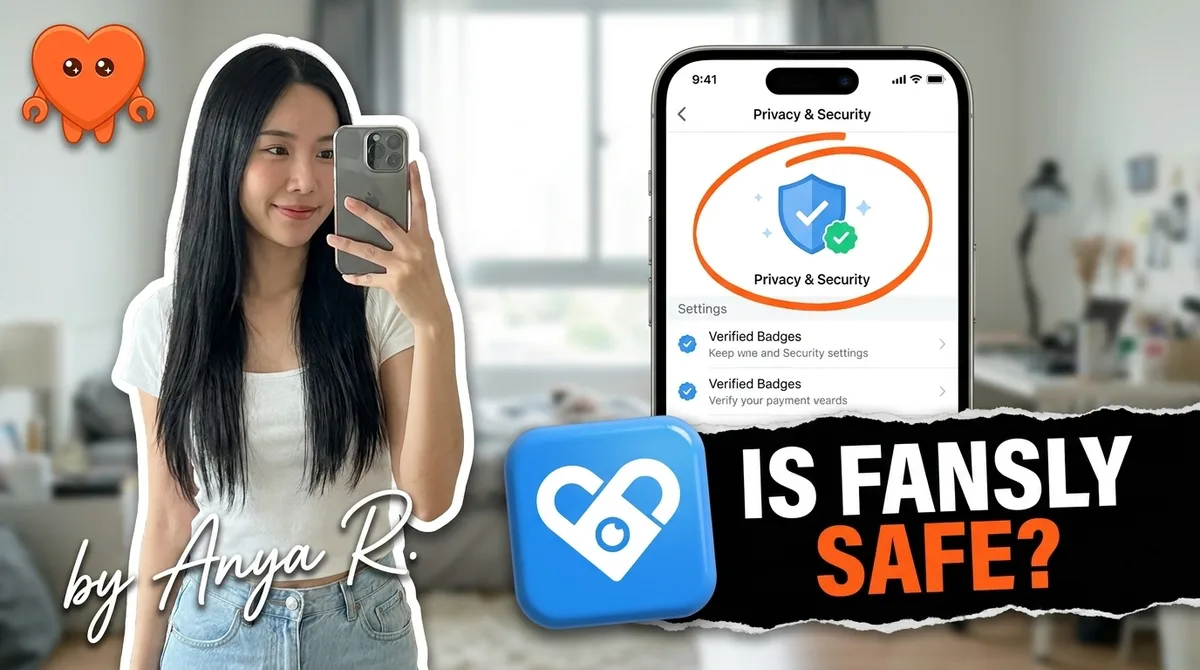
Fansly is a legitimate platform. It verifies identities, encrypts connections, processes payouts reliably, and has been running creator businesses at scale since its launch. The more relevant question for most creators is not whether the platform is safe, but whether your own setup keeps your identity, your data, and your income protected. Those are two separate problems, and this guide addresses both.
Is Fansly a legitimate platform?
Fansly is a legitimate, established subscription content platform that requires government-issued identity verification from every creator before any payout is processed. The site uses SSL encryption across all pages and subscriber transactions. Payouts process weekly after a 7-day hold, with minimums starting around $20 to $100 depending on the withdrawal method you choose.
The platform has been operating since 2020 and has grown significantly since 2022, when creators diversified away from OnlyFans following that period's payment uncertainty. By 2026, Fansly hosts tens of millions of subscribers and is used by a large portion of the same creator base that runs accounts on OnlyFans. No credible pattern of missing or withheld creator payouts appears in the public record.
One honest limitation: Fansly has less organic traffic than OnlyFans. Discovery through the platform's algorithmic For You Page exists, but most of your subscriber growth will come from your own promotion rather than from Fansly surfacing your profile to new people. That is a reach limitation, not a safety one.
How Fansly handles your identity and payment data
Before you can withdraw a single dollar, Fansly requires three things: a government-issued photo ID, a selfie for facial matching, and proof of address. That data is held by the platform and is never shown to subscribers. Your legal name is not visible anywhere on your public or subscriber-facing profile.
For payments, Fansly supports standard credit and debit card processing for subscribers, and creator withdrawals go through bank transfer or other supported methods depending on your region. The 7-day hold on earnings is a standard chargeback buffer. It is shorter than OnlyFans' rolling 21-day processing window, which is a practical advantage for cash flow.
Fansly also offers crypto payouts in some regions, which some creators use as an additional layer of financial separation. This is a personal risk tolerance decision and not a requirement for safe operation.
One important note: the platform holds your verification data and your subscriber records on its own servers. This is standard for any centralized platform. What it means in practice is that your identity information and your fan data are outside your direct control once they leave your machine. That is not a reason to avoid Fansly. It is a reason to be thoughtful about what additional tools you layer on top.
What actually puts creators at risk on Fansly
Platform legitimacy is one layer. The bigger risk surface for most creators is not Fansly itself but the decisions made around account setup and tooling.
Your public identity footprint
Fansly keeps your legal name private. The risks that remain are largely self-created:
- Using the same username or display name across Fansly, personal social media, and other platforms makes it trivial to link identities.
- Showing recognizable features in content (distinctive tattoos, a recognizable space in the background, identifiable jewelry) can reveal your identity to people who know you.
- Not enabling geo-blocking for your home country or region means subscribers in your city can find your account through normal browsing.
These are all fixable at setup. They are also all invisible risks until something goes wrong.
Third-party tools and credential exposure
This is the safety risk most creators underestimate. The creator tool market in 2026 is largely cloud-based: services that ask for your Fansly (or OnlyFans) login and operate from their own servers. When you hand your credentials to one of those services, several things happen that are outside your control.
The tool logs into your account from its infrastructure. If that infrastructure is shared with other creators who have policy violations attached to their accounts, your account can absorb flags it did not earn. More practically, the service holds your login, can read every message between you and your fans, and stores that data under its own terms of service. If the company is acquired, goes offline, or is breached, your credentials and your fan data travel with it.
The alternative is a tool that runs locally on your own machine, where your login never travels to a third-party server. FanClaw is built on that model: one agent on your own machine handles Fansly DMs, posting, acquisition, and monetization without your credentials leaving your device. You can download FanClaw and run it for a full week before committing.
The fastest way to expose your account data is handing your login to a cloud service. The simplest protection is keeping automation local.
Content leaks and DMCA
No subscription platform can technically prevent a subscriber from recording their screen or taking screenshots. Fansly provides DMCA takedown support (the legal process that lets a copyright owner ask a service to remove infringing material) and, as of 2026, watermarking tools that help identify the source of leaked content. These are important, but they are reactive.
The practical approach is to make leaks less damaging before they happen: watermark your content with your Fansly stage name rather than your real identity, run periodic reverse-image searches, and avoid showing any identifying information that would connect leaked content back to your offline life.
Fansly vs OnlyFans: how the safety profiles compare
Both platforms require identity verification, take 20 percent of earnings (creators keep the other 80 percent), provide DMCA tools, and offer geo-blocking. The differences that matter for safety:
| Feature | Fansly | OnlyFans |
|---|---|---|
| Verification pass rate (first attempt) | ~41% | ~23% |
| Payout processing window | Weekly, 7-day hold | Rolling 21-day window |
| Minimum payout threshold | $20-$100 (method-dependent) | $20 |
| Geo-blocking | Available | Available |
| Creator pool | Smaller, less organic traffic | ~3M creators, stronger discovery |
| Crypto payouts | Available in some regions | Not available |
| Platform fee | 20% | 20% |
For a deeper comparison of features, monetization mechanics, and which platform works better at different stages of a creator business, the Fansly vs OnlyFans guide covers the full picture.
The most common mistake creators make is treating these platforms as alternatives rather than complements. Running both is the 2026 standard for serious creators, and the safety setup for each is nearly identical.
How to set up Fansly safely from the start
Getting your privacy setup right at the beginning is much easier than retrofitting it later. These steps address the real risk surface.
1. Create a dedicated email address. Your Fansly account should be linked to an email that has no connection to your real name, your personal accounts, or your day-to-day identity. A free address created specifically for this purpose takes five minutes.
2. Choose a stage name and stick to it. Pick a name you will not confuse with other identities online. Do not use variations of your real name, your existing social media handles, or any name that can be searched back to you.
3. Enable geo-blocking before you publish anything. Fansly allows you to block subscribers from specific countries or regions. At minimum, block your home country. Do this in your account settings before your profile goes live.
4. Audit your content for identifying features. Before uploading, review each piece for tattoos, distinctive jewelry, recognizable spaces, or any detail visible in other contexts that links to you. This is the step that prevents recognition by people who know you offline.
5. Keep your Fansly device and payment method separate. Use a device or browser profile that is not signed into your personal accounts, and if possible, receive payouts through a bank account or card that is not your primary personal account.
6. Audit your third-party tool access regularly. Every time you add a new tool to your creator workflow, ask where it runs. If the answer is a cloud server you do not control, your login and your fan data are leaving your machine. Review this list every few months and revoke access to anything you no longer use.
The data-ownership angle: where FanClaw fits
The safety questions above split into two categories. Platform safety (Is Fansly itself legitimate? Are payments processed? Is my legal identity protected from subscribers?) has clear, verifiable answers. Fansly clears all of them.
Operational safety (Who has my login? Where is my fan data stored? What happens if a tool I use gets breached?) depends entirely on your choices about tooling.
FanClaw is a local-first app that runs a creator's DMs, posting, acquisition, and monetization from her own machine. It supports Fansly, OnlyFans, Instagram, X, TikTok, Reddit, and Telegram. The design constraint is simple: your credentials and your fan data stay on your device. No cloud server owned by FanClaw or anyone else ever holds your Fansly login.
This is a structural difference from every established creator tool in the market today. Services like Supercreator and Infloww (from $40 per creator profile per month, rising with earnings) require your login and run your account through their own systems (servers, proxies, or shared team sessions). FanClaw does the same work at the same scale, from your own machine.
If operational data ownership matters to your setup, download FanClaw and run it on your Fansly account for a week.
Running both platforms without doubling your workload
The main practical objection to running Fansly alongside OnlyFans is time. Managing DMs, posting schedules, and acquisition across two platforms doubles the manual workload if everything is done by hand. This is the operational argument for automation.
The version of automation that is safe on both platforms is the version that does not share your credentials. Automation that runs on your own machine, paces its behavior naturally, responds in your real editorial voice, and keeps all transactions inside the platform is the low-risk operating model. Automation that requires handing your login to a third-party server introduces the credential exposure risk described above, regardless of which platform you are on.
Running both Fansly and OnlyFans with a local agent is how serious creators manage the workload without the data-exposure trade-off. Your fan data, your login, your earnings data: all of it stays on your machine.
Frequently asked questions
Yes. Fansly is an established subscription content platform that has processed millions of creator payouts. It requires government-issued ID verification before any payout method is added, and it uses SSL encryption across the site. Creators from around the world use it alongside OnlyFans as their primary income source.
Yes, with caveats. Fansly pays out weekly after a 7-day hold, with a minimum threshold of around $20 to $100 depending on the payout method. Before your first withdrawal, the platform requires a government-issued photo ID, a matching selfie, and proof of address. No payout has been processed without that verification being cleared first.
Not by default, but your privacy depends on your setup. Your legal name is never shown to subscribers. Your bigger exposure is metadata: the same username across platforms, your face or recognizable features in content, and your location if you have not enabled geo-blocking for your home region. Those are the leaks that require deliberate setup to close.
Fansly has DMCA takedown support and watermarks to assist with identifying leaked content. However, no platform can technically prevent a subscriber from screenshotting or recording content once they have unlocked it. A watermarking strategy and regular reverse-image searches are your best practical tools.
It depends entirely on where that tool runs. Any cloud service that asks for your Fansly login and operates from its own servers is holding your credentials on infrastructure you do not control. If that service is breached, sold, or goes offline, your login and your fan data go with it. A local tool that runs on your own machine and never sends your credentials elsewhere is the safer model.
Both platforms take 20 percent, require creator ID verification, and have DMCA tools. Fansly's verification is somewhat easier to pass (around 41 percent of creators are verified on the first attempt vs. roughly 23 percent on OnlyFans). Fansly pays out weekly after a 7-day hold vs. OnlyFans' rolling 21-day processing window. On the privacy side, both offer geo-blocking; how you configure it determines your real-world risk.
You can protect your identity effectively, but not perfectly. Your legal name is required for verification and kept private from subscribers, but Fansly (like any platform) holds that data internally. For public-facing anonymity, use a consistent stage name, avoid showing identifying features like distinctive tattoos or recognizable backgrounds, enable geo-blocking for your country or region, and keep your Fansly account on a device and email address separate from your personal ones.
Contact Fansly support immediately through the help center and ask for the specific policy that was cited. Provide any documentation that demonstrates compliance. Temporary restrictions from content review are often resolved within a few days if you respond promptly and professionally. Permanent actions for age-verification failures or DMCA violations are harder to appeal, which is why prevention matters more than the appeal process.