How to leave an OnlyFans agency safely
Leaving an OnlyFans agency is harder than canceling a subscription. Here is how to exit safely: credentials, contract traps, your data, and your account.
Leaving an OnlyFans agency is not like canceling a SaaS subscription. There is no cancel button. The agency may hold your login, own your email address, sit between you and your payment pipeline, and have a contract clause that keeps your subscriber data after you walk out. Creators who exit without a plan often find themselves in a drawn-out dispute over money, passwords, or both. This guide walks you through the process: what to read first, what traps to expect, and how to reclaim your account and your business cleanly.
One note before we start: nothing here is legal advice. For any contract clause involving real money or an account you cannot access, a short consultation with a lawyer costs far less than the dispute it prevents.
Read your contract before you say a word
The termination clause is the first thing to find, and most creators have never read it. Before you send any message to your agency, locate the agreement you signed and look for these five things.
Notice period. Most contracts require 30 to 90 days of written notice. Starting the clock requires a specific action, usually a written email, not a phone call. If you give verbal notice and then a written one two weeks later, the agency will count from the written date.
Non-compete scope. A six to twelve month non-compete is common in OF management contracts. Some clauses restrict you from working with other agencies. Others go further and try to prevent you from running your account independently in the same niche for a period after departure. Enforceability depends on your jurisdiction, which is exactly why a lawyer is worth the call if the clause looks broad.
Transition and audit fees. Some contracts include a fee charged at departure, framed as a cost for account handover, data export, or a final performance audit. These fees are often negotiable, but you cannot negotiate them if you do not know they exist.
Commission repayment clauses. A smaller number of contracts include a clause requiring you to repay commissions if you leave before a minimum term. Check the exact wording. "Advance" and "earned commission" mean different things, and the distinction matters.
Data-retention language. The clause that surprises creators most: many contracts let the agency keep a copy of your subscriber data, DM history, or analytics after you leave. You may not be able to stop this, but you can make sure you have your own copy before you give notice.
The exit traps you will likely face
Knowing what to expect takes most of the stress out of the process. These are the four traps that come up most often.
Credential lock-out
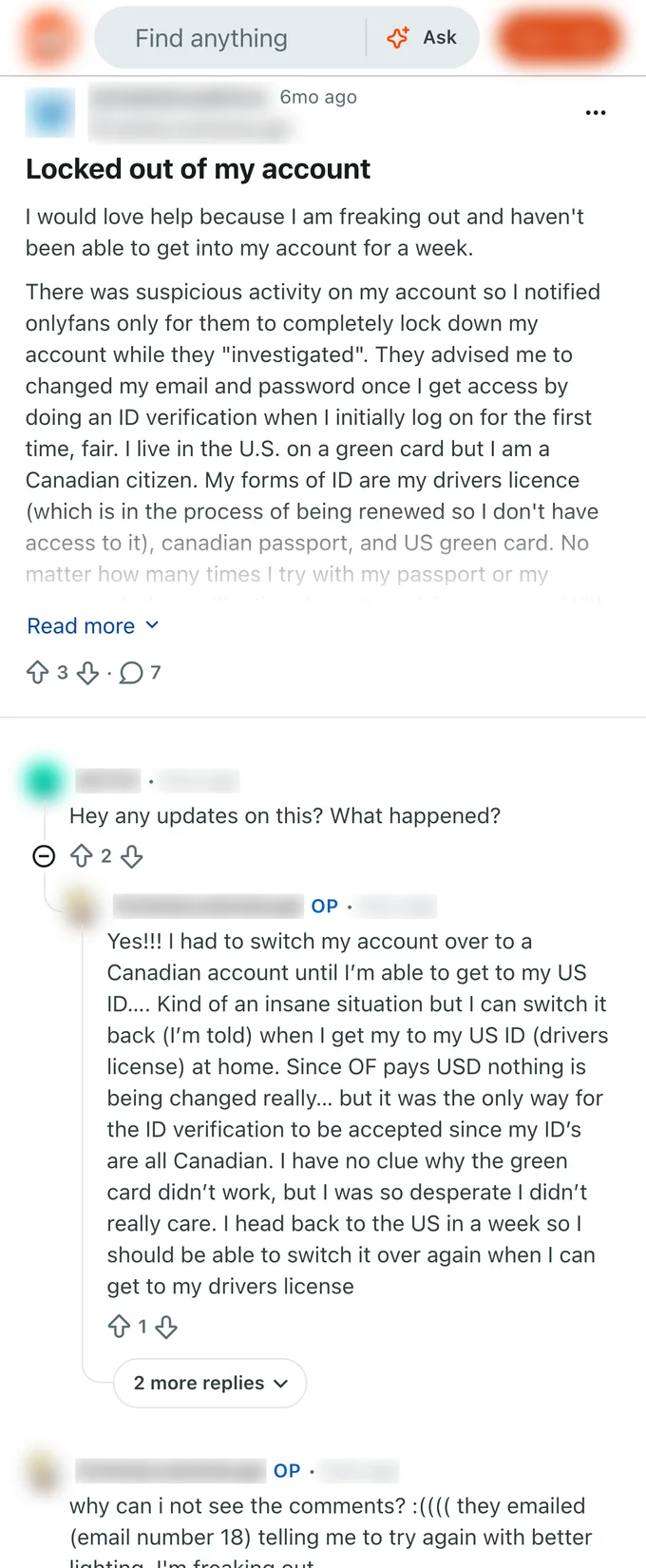
Some agencies register your OnlyFans account on their own email address, or change the recovery email to one they control. If this happened to you, the agency has practical control of the account even if it is legally yours. Contact OnlyFans support before you give notice to find out what verification OnlyFans will require to transfer email ownership. Doing this quietly, before the exit conversation starts, keeps your options open.
Withheld final payments
Once a creator gives notice, some agencies slow-walk or dispute the final payment cycle. This is more common than it should be. Before you send the termination letter, document every payment you have received: date, amount, and the month it covered. Screenshot the earnings dashboard if you have access to it. Written records make disputes much shorter.
Transition and audit fees
As noted above, these may be in your contract or they may be invented after the fact. If an agency presents an exit fee that is not in the contract you signed, you are not automatically obligated to pay it. Respond in writing, ask them to cite the clause, and do not pay until you have reviewed the claim. If the amount is significant, talk to a lawyer.
Demands to repay disputed commissions
This one tends to appear when the departure is acrimonious. The agency claims you owe back the commissions from your last few months, usually on a thin legal theory. Document everything. Agencies that use this tactic are typically counting on you paying to make it go away. Having a record of every payment and every message changes the calculation.
Step by step: how to exit cleanly
Here is the sequence that minimizes risk and gives you the most control.
Step 1: Export everything you can access right now. Before any conversation about leaving, while your access is still full: download your subscriber list, export transaction records, screenshot your analytics, and save any messaging templates or content calendars you built. This is your business data. Make a copy before anything changes.
Step 2: Document the account access situation. Log in and verify: what email address is tied to the account? Do you have control of that email? Is two-factor authentication (2FA) tied to a phone number or app you own, or one the agency controls? Write this down. It determines what you need to reclaim.
Step 3: Send written notice by email. Follow the notice procedure in your contract exactly. Send from your own email address. Keep the tone factual and brief. State the date, that you are giving notice per section X of your agreement, and your intended last day. Do not make it emotional. You want a paper trail, not a conversation.
Step 4: Rotate credentials the same day notice is accepted, or as soon as the notice period allows. Change your OnlyFans password, your recovery email (to one you own), and your 2FA method. If the agency held any of these, this is the step where you take them back. Check your contract's access clause before doing this during the notice period, since some agreements specify a date.
Step 5: Reclaim your subscriber relationships. Your fans follow you, not the agency. Send a warm mass message on your own the day you regain full control. You do not need to explain anything. Just show up in their inbox in your own voice. Continuity of contact matters more than any explanation.
Step 6: Confirm final payment in writing. Once the notice period ends, send a brief email asking for confirmation of the final payment amount, method, and date. Put everything in writing. Keep the thread.
Protect your data and your account on the way out
The data you leave behind is worth more than most creators realize. Your subscriber list, your transaction history showing which fans spent the most, and your DM history showing what content drove purchases: these are the signals that let an intelligent system personalize offers, predict churn, and price PPV correctly. When an agency holds that data on their servers, the benefit of that insight stays with them, not with you.
Going forward, the right pattern is the one where all of that data lives on your own machine. No cloud chatting service, no management portal sitting between you and your fans. If you want fan data that compounds into better decisions over time, it needs to be yours, locally, not on someone else's dashboard.
That is exactly what download FanClaw is built around. The agent runs on your machine, your fan data never leaves it, and no third party holds your credentials or reads your messages. You get the automation that used to justify paying an agency, without handing over the 30 to 40 percent cut or the access that made leaving complicated in the first place.
Life after the agency: running solo without the burnout
The workload that drove you to sign with an agency in the first place was real. Solo creators wake up to 200 or more unread DMs, spend the morning catching up, film in the afternoon, and answer again until 2am. While they sleep, fans in other time zones are online and spending. A $50 PPV request that sits for eight hours usually goes cold.
An agency's answer to that problem was to hand your inbox to a team of chatters and take 30 to 40 percent of your revenue for the privilege. The modern answer is different: automation that runs on your machine, in your voice, with a human approval step for anything that matters.
A well-set-up solo operation handles:
- Instant welcome messages to every new subscriber, in your own words.
- Timed follow-ups that catch conversations before they go cold.
- Mass messages to the right segment at the right time, not spray-and-pray blasts.
- PPV pricing that adjusts to what each fan has spent, so you are not leaving money on the table with high-value subscribers.
- Re-engagement nudges to fans who have gone quiet.
None of those require a chatting team. They require the right system running consistently. The margin an agency took, typically 30 to 40 percent on top of the platform's own 20 percent cut, is margin that goes back to you when you run it yourself.
For a full picture of what solo operation looks like in practice, including what tools actually help and which ones just add complexity, read OnlyFans without an agency.
The agency exit feels big when you are in it. The other side of it is just your business, run by you, with the tools that used to justify the cut now on your own machine.
Frequently asked questions
No agency can legally own your OnlyFans account. Your account is tied to your email and identity. However, some agencies register the account on your behalf using their own email address, which gives them practical control. If this is your situation, contact OnlyFans support with proof of identity to reclaim it.
It depends on your contract. Some agreements include a transition fee, an audit fee, or require you to repay disputed commissions. Read the termination clause before you say anything to your agency. If the fee is large, a lawyer's review of the clause usually costs less than paying it without questioning it.
Most non-competes in this space run six to twelve months and restrict you from working with competing agencies or, in some cases, from operating independently in the same niche. Enforceability varies by jurisdiction. This is one area where a brief legal consultation is genuinely worth the cost.
Many contracts include data-retention clauses that let the agency keep a copy of your subscriber data after departure. They cannot prevent you from keeping your own copy. Before you give notice, export everything you can access from the OnlyFans dashboard directly, while you still have full access.
Your contract should specify a final payment schedule. In practice, some agencies delay or dispute final payments once a creator gives notice. Document every payment received before you send the termination letter, and follow up in writing for anything owed.
Yes, but burnout usually came from doing everything by hand, not from being solo. The workload that pushed you toward an agency in the first place, namely hundreds of daily DMs, posting, and acquisition, can now run from automation tools on your own machine. The margin stays yours and the hours come back.
You do not need to, and doing so publicly can create unnecessary drama. A smooth handover is invisible to subscribers. What matters is that reply quality stays consistent during the transition. If your agency was chatting your fans, make sure a new system is in place before you go dark on DMs.
If the agency holds your login, changing your password before giving formal notice may breach your contract and trigger an immediate dispute. The safer sequence is to give written notice first, then rotate credentials the same day or as soon as the notice period allows. Check your contract's access-rights clause before acting.