

Free builder
OnlyFans Tip Menu Builder
A tip menu turns vague tips into clear choices, which is how you raise your average sale without asking. This free builder lets you start from a niche preset or your own items, set prices, and copy a clean, formatted menu for your bio, a pinned post, or a welcome message.
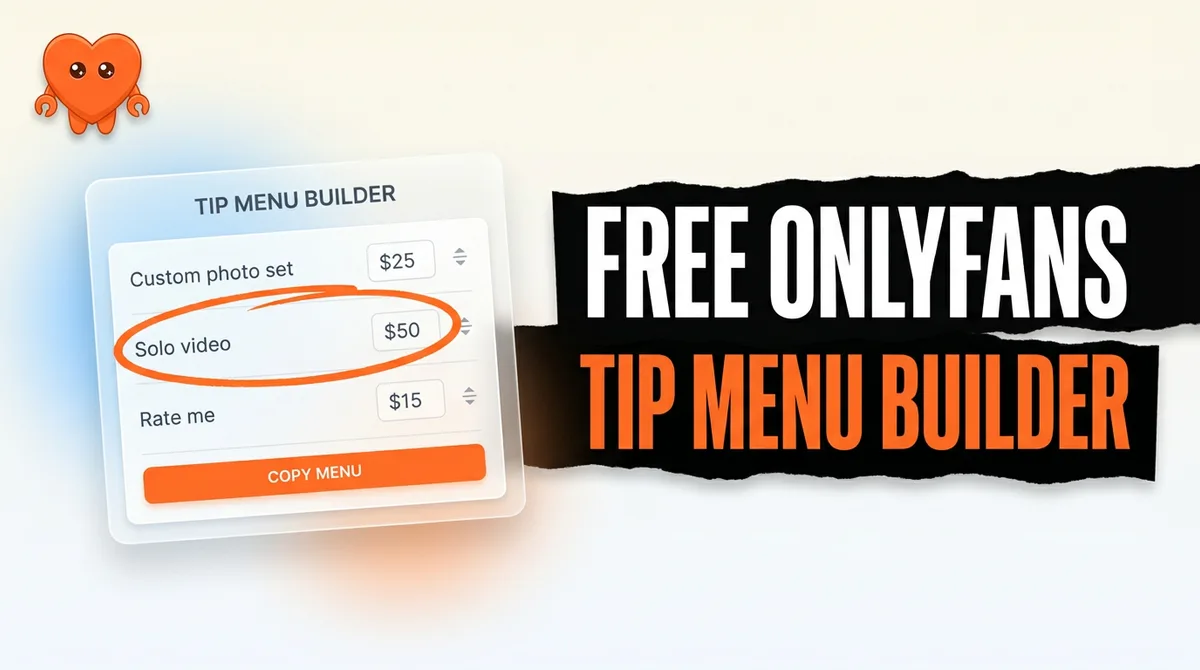
TIP MENU

Photo rating ................... $15
Custom photo set ............... $25
Custom video (1 min) ........... $40
Sexting session ................ $50
Girlfriend experience (day) .... $75

DM me to claim
Want this menu saved?
We will email you the download link so you can finish setting up on your computer.
How the tip menu builder works
Pick a preset to start with sensible items and prices for your niche, or add your own rows. Edit any item or price, reorder as you like, then copy the formatted menu as text you can paste anywhere fans can see it.
The output is plain and readable on a phone, with prices aligned so the menu looks intentional rather than thrown together. A menu that looks considered gets taken seriously.
How to price a tip menu
Anchor with a few low-friction items so a new fan can say yes without thinking, then offer one or two premium options that make the rest feel reasonable. The gap between your cheapest and most expensive item is what nudges fans toward the middle.
Round, simple numbers read as confident. Revisit the menu every few weeks: drop what nobody buys, and raise the price on whatever sells out.
Quick tips
- Put a cheap, easy first option at the top so saying yes once feels effortless.
- Keep transaction talk on the platform. Never name an outside payment app in a menu or a DM.
- Pin the menu where fans look (bio, a pinned post, your welcome message) and link to it in conversation.
Want the full picture? Read the full OnlyFans tip menu guide.