OnlyFans video calls: how to offer and price them
OnlyFans has no native video call feature. Here is how creators offer video calls safely, what to charge per minute, and how to keep payment on-platform.
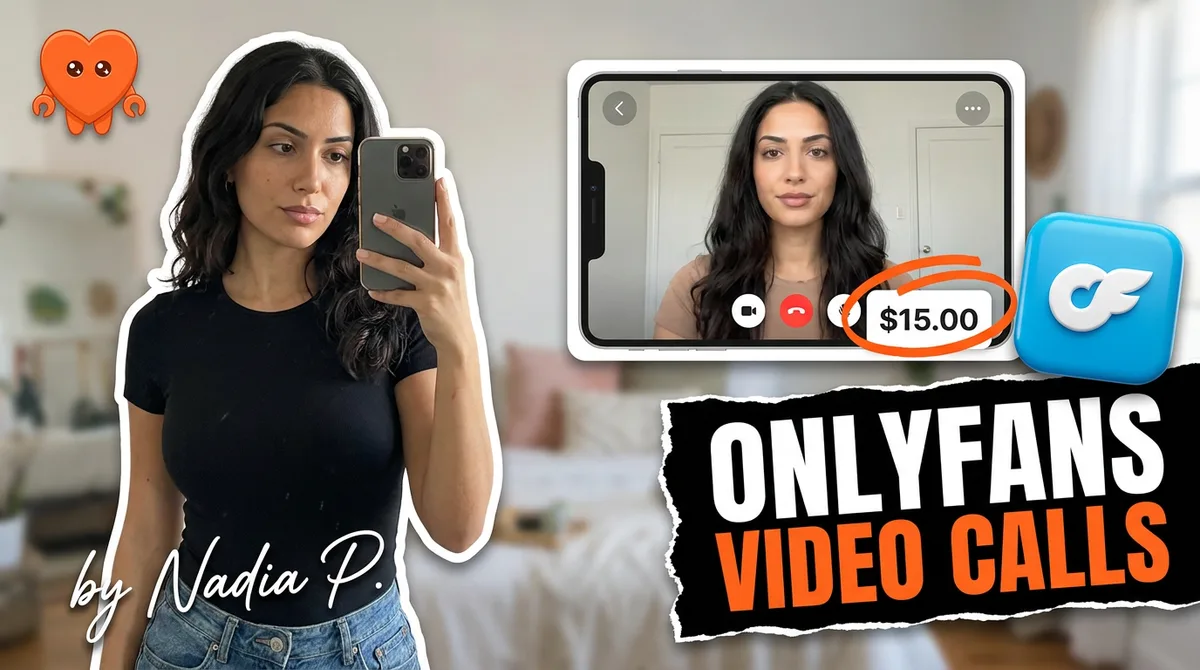
OnlyFans does not have a native video call feature. There is no built-in one-on-one camera-to-camera option, and OnlyFans Live is one-way: you broadcast and fans react through text chat. So creators who sell video calls run the call on a third-party app like Zoom or Google Meet, but always collect payment through OnlyFans first. Standard pricing is $5 to $10 per minute. The one rule you cannot break is keeping payment on-platform.
This guide covers what is actually possible, how to run a paid call safely, what to charge, and how to sell more of them without the logistics eating your day.
Can you do video calls on OnlyFans?
Not in the way most people expect. OnlyFans has no built-in one-on-one video call, as of 2026. The closest native tool is OnlyFans Live, which is a one-way broadcast: you go live on camera and fans participate by typing in the chat, not by showing their own video. That works for group engagement and tips, but it is not a private two-way call.
For a true one-on-one video call, creators use an outside app. The model that keeps this safe is simple and consistent across every experienced creator: the relationship, the content, and the money all stay on OnlyFans, and only the live video itself happens on a third-party platform. Get that separation right and video calls are a legitimate, high-margin offering. Get it wrong, by moving payment off-platform, and you risk your account.
How do you set up and book a video call?
You book a video call in five steps, and the order is what keeps you safe: agree the terms in OnlyFans DMs, collect the full payment through OnlyFans first, then move only the live video to an outside app. The workflow is identical whether you charge $30 or $300. Payment first, link second, always.
- Agree on the terms in OnlyFans DMs. Confirm the length, the rate, the date and time (with both time zones written out), and what the call includes. Keep this conversation on-platform.
- Collect payment up front through OnlyFans. Send a pay-per-view message priced at your call rate, or request a tip of the agreed amount. Do not proceed until it clears. This protects you from no-shows and chargebacks.
- Choose a third-party app for the call. Zoom, Google Meet, Skype, and Discord are the common choices. Pick one you are comfortable with and that protects your identity.
- Share the meeting link only after payment. Send it through OnlyFans DMs once the payment is confirmed, ideally close to the scheduled time so a fresh, single-use link does not sit around.
- Run the call, then follow up on OnlyFans. After the call, thank them and continue the relationship in your inbox, where the next upsell lives.
The golden rule sits in steps 2 and 5: money and relationship on OnlyFans, video on the third-party app. That separation is what keeps the whole thing compliant.
Handling no-shows, deposits, and overruns
Up-front payment is your no-show policy. When the full amount is already paid before the link goes out, a fan who does not show up has paid for a slot they wasted, not stolen your time for free. Most competitor guides skip this entirely, which is why creators keep getting burned. A few rules that hold up in practice:
- No deposit-then-balance splits. Charge the whole session in one PPV unlock before the call. Chasing a balance afterward is how disputes start.
- Set a grace window and say it out loud. "I hold the slot for ten minutes, then it is forfeit" is fair and standard. Put it in writing in the DM thread.
- Price overruns before they happen. If a fan wants to keep going, they tip for the extra minutes first, same as the original booking. The meter never runs on credit.
Scheduling calls around your real life
Treat a call like a paid appointment, not a drop-everything demand. Offer two or three fixed windows you actually want to work, rather than an open "whenever you want" that quietly puts you on call all day. Confirm the slot in DMs, write both time zones (the most common booking mistake is a fan in another country showing up an hour off), and send a short reminder a few hours before. Batching calls into one or two evenings a week keeps the rest of your schedule for filming and posting, which is where the funnel that feeds these calls actually gets built.
How much to charge for OnlyFans video calls
Video calls are premium because you are selling your live, undivided attention to one person. Price them like the scarce thing they are. Here is the going range as of 2026.
| Format | Typical price | Notes |
|---|---|---|
| Per minute | $5 to $10 | The standard rate; many creators anchor here |
| Five-minute call | $50 to $100 | A common fixed mini-session |
| Custom video (for comparison) | $5 to $15 per minute | Recorded, lower-touch than a live call |
| Add-ons | Via tip menu | Extra requests layered on the base rate |
Notice the short call carries the highest per-minute rate. That is deliberate. Every booking costs you the same setup, confirmation, and context-switch whether it runs five minutes or fifty, so the first minutes are worth more. A five-minute call at $75 is $15 a minute; a thirty-minute call rarely holds that rate, and you should not expect it to. The ceiling is higher than most creators think, though. Creators have reported single sessions in the four figures with a fan who genuinely values the access, so do not let a price list cap what a whale will happily pay.
Remember the cut. The ticket you sell is an OnlyFans pay-per-view, so the platform's 20 percent fee applies: a $100 call puts $80 in your account. Price to the net you want. And keep one-on-one calls distinct from OnlyFans Live. A live broadcast reaches your whole list and earns on tips and volume; a private call earns the highest revenue per fan because it is scarce and personal. They are different products, and the private call is the premium one.
Two pricing principles matter most. First, do not underprice. Fans pay for exclusivity and direct access, and a rate that feels slightly high to you is usually right for this product. Second, collect the full amount before the call, not after. Pricing a call like a PPV unlock, paid up front, is both safer and cleaner than trying to settle up afterward. Offer add-ons through your tip menu so a fan can extend or upgrade in the moment.
Staying safe and compliant
Video calls carry more exposure than any other format, so the precautions are not optional.
- Keep payment on OnlyFans, always. The platform keyword-watches DMs for external payment app names and treats off-platform payment as a serious violation. This is the fastest way to lose your account, and it is entirely avoidable.
- Get paid before the call. Up-front payment eliminates no-shows and most disputes. No payment, no link.
- Protect your identity. Use a separate device and email, mind what is visible behind you on camera, and consider what is and is not in frame.
- Assume it could be recorded. You cannot reliably prevent screen recording. Only show what you are comfortable existing permanently, and watermark where you can.
- Document everything. Keep records of the agreement and the payment in case of a dispute or chargeback.
The single rule that protects your account: never move payment off OnlyFans. Doing the call on Zoom is fine. Taking the payment on a third-party payment app is a ban-level violation, because OnlyFans actively monitors for it.
How to sell more video calls
Video calls are a high-effort, high-margin upsell, which means targeting beats blasting. A few moves consistently work.
- Offer to your top spenders first. The fans who already tip, buy customs, and message often are the ones who convert on a premium call. A targeted offer to them outperforms a mass message every time.
- Frame it as exclusive and limited. Scarcity drives bookings. "I open a few call slots this week" converts better than an open-ended standing offer.
- Bundle and ladder it. A short five-minute call is an easy entry point that can ladder up to longer sessions and add-ons once a fan has tried one.
- Make booking effortless. The faster a fan can go from "yes" to a confirmed, paid slot, the more calls you close. Friction kills premium bookings.
The constraint is obvious: identifying the right fans, sending the offer, confirming payment, and scheduling all take time, and a live call cannot be done while you are doing anything else.
Automate everything around the call
Here is the honest limit. The call itself cannot be automated, and it should not be, because the entire product is your live presence. That is also why video calls are the least scalable thing you sell: every dollar requires you, in real time, one fan at a time. The trap is letting the logistics around the call consume the hours you should be spending on the calls themselves, and on the content that fills your funnel.
That logistics layer is exactly what can run without you. Spotting which fans are most likely to book, sending the offer at the right moment, confirming the up-front payment, and following up afterward to set the next one: all of it is repetitive inbox work. The usual fixes cost you, though. An agency takes 30 to 50 percent on top of the platform's 20 percent cut, and a cloud chatting tool signs in as you from its own servers and reads every message, which is a serious risk for a creator already guarding her identity around video.
FanClaw is the local-first alternative: an app that runs your DMs, offers, payment confirmations, and follow-ups from your own machine, in your own voice, with your fan data never leaving your device. It handles the booking funnel so your live time goes entirely to the calls that earn the premium, and your login and your fans' data stay yours. You can download FanClaw and set up your video-call funnel locally.
OnlyFans video calls are one of the highest-margin upsells available, precisely because they are scarce and personal. There is no native feature, so run the call off-platform, keep every dollar on OnlyFans, price for the exclusivity you are offering, and automate the logistics, not the connection.
Frequently asked questions
Not natively. OnlyFans does not have a built-in one-on-one video call feature. Its OnlyFans Live tool is one-way, meaning you broadcast video and fans interact through text chat, not their own camera. To do a true two-way video call, creators use a third-party app while keeping payment on OnlyFans.
They collect payment first through an OnlyFans pay-per-view message or tip, then move the call to a third-party app like Zoom, Google Meet, Skype, or Discord. The content and the relationship live on OnlyFans; only the live video happens elsewhere. Payment never leaves the platform.
The standard range is $5 to $10 per minute, and some creators charge $50 to $100 for a five-minute call. You are selling exclusive one-on-one attention, which justifies premium pricing, so do not underprice it. Set a clear per-minute or per-session rate, collect it up front, and offer add-ons through your tip menu.
Doing the call on a third-party app is fine. Moving payment off OnlyFans is not. The platform monitors DMs for external payment app names and treats redirecting payments off-platform as a serious violation. Keep every dollar on OnlyFans through PPV or tips, and the third-party call itself is not a problem.
Always collect payment before the call starts. Send a pay-per-view message priced at your call rate, or request a tip of the agreed amount, and only share the meeting link once it clears. Getting paid first protects you from no-shows, chargebacks, and disputes.
The main risks are screen recording, identity exposure, and payment disputes. Protect yourself by collecting payment up front, using a separate device and email, being mindful of what is visible on camera, and documenting every transaction. Assume a call could be recorded and only show what you are comfortable existing permanently.
Offer them to your highest-value, most engaged fans, the ones who tip, buy customs, and message often. Video calls are a premium, high-effort upsell, so they pay off most with fans who already spend. A mass blast to your whole list usually underperforms a targeted offer to your top spenders.
The call itself cannot, and should not, be automated, because the whole product is your live attention. But everything around it can: identifying which fans to offer it to, sending the offer, confirming payment, and following up afterward. Automating the logistics frees you to focus on the call that earns the premium.