How to tip on OnlyFans (and tip menu templates)
How to tip on OnlyFans: where the tip button is, minimums and limits, how much the platform takes, and ready tip menu templates creators can paste in.
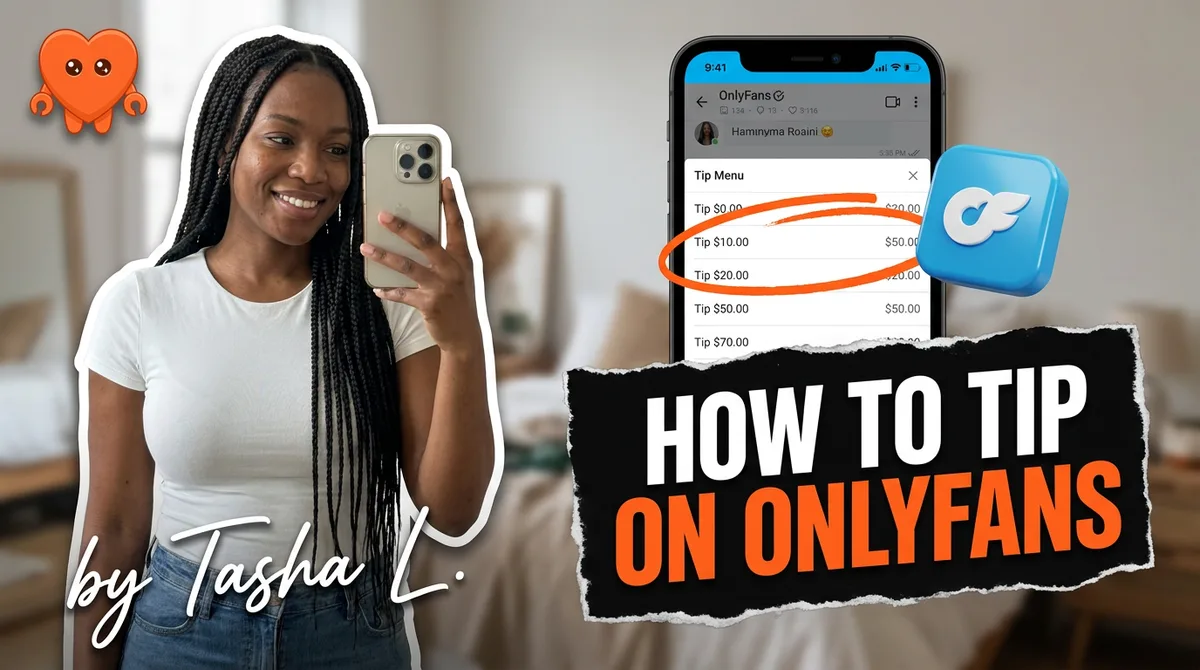
To tip on OnlyFans, tap the tip button, which appears on a creator's profile, below any post, inside the message window, and in live stream chat. Pick an amount, confirm payment, and it sends. The minimum is $5 by card or $1 from your OnlyFans wallet, new users can tip up to $100 for their first four months and $200 after, and OnlyFans takes 20 percent of every tip. That covers the mechanics. The interesting part, for creators, is turning tipping from a random event into a reliable income stream.
This guide explains exactly how tipping works, the limits and the cut, how creators earn more of it, and gives you ready tip menu templates to paste in.
How to tip on OnlyFans
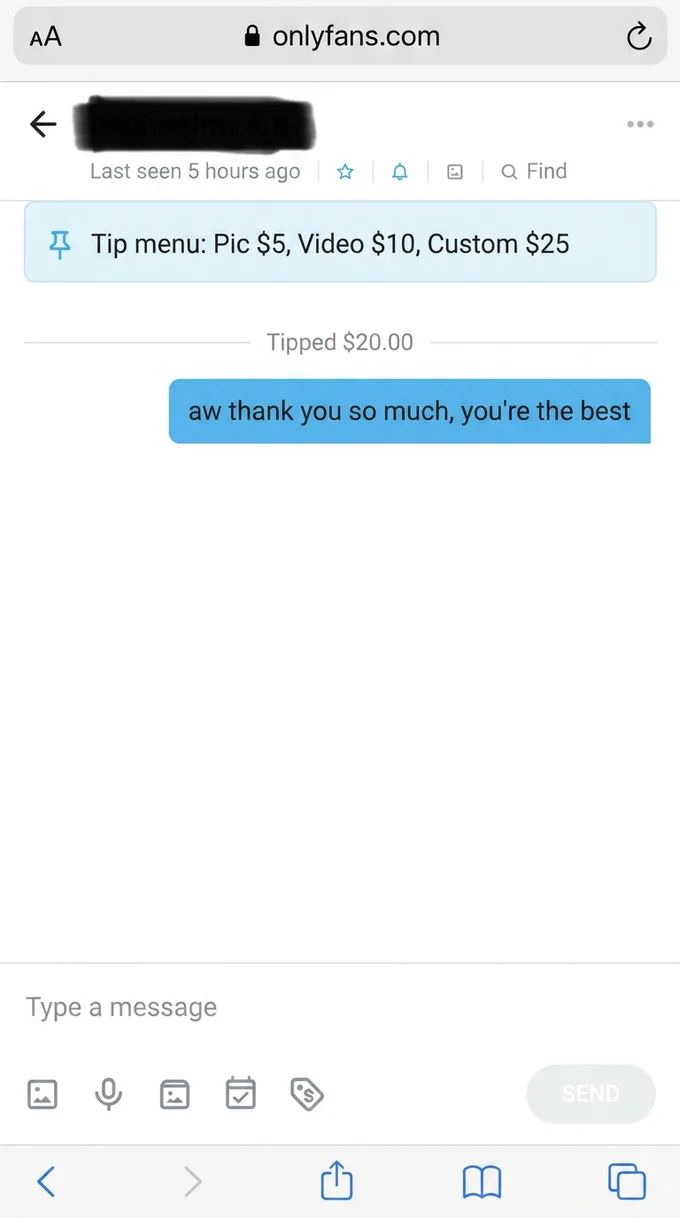
Tipping is built into four places on the platform, and the steps are the same in each: tap the tip button, choose an amount, confirm. You usually do not need a subscription to tip, which is why tips work even on free pages.
- On a profile. The tip button sits on the creator's profile page. This is the simplest way to send a general tip.
- On a post. Every post has a tip button beneath it. Tipping here is the most common method and lets you react to a specific photo or video.
- In direct messages. If the creator has enabled tips in chat, a tip button appears in the message compose window. You can attach a tip to a message, which is how most tip-menu purchases happen.
- During a live stream. Look for the tip button in the live chat. Streams often drive the highest tips, because the creator can thank tippers in real time.
For a fan, that is the whole process. For a creator, where a tip comes from tells you something: profile and post tips are appreciation, while DM and live tips are usually intent to buy something specific.
Tip minimums, maximums, and how much OnlyFans takes
The limits exist mostly to control fraud, and the cut is identical to everything else on the platform. Here is the full picture in one place.
| Rule | Amount | Notes |
|---|---|---|
| Minimum tip (card) | $5 | Direct card payment floor |
| Minimum tip (wallet) | $1 | Preloaded OnlyFans wallet balance |
| Max tip, new users | $100 | First four months on the platform |
| Max tip, after | $200 | Per tip, once the trust period ends |
| Platform cut | 20% | Same as subscriptions and PPV |
Two things are worth underlining. First, the caps apply to the person tipping during their early trust period, not to the creator, and they exist to reduce chargebacks and payment fraud while a new account establishes itself. The cap is per tip, not per day, so a committed fan who hits it can simply send a few tips in a row to get past it. Second, the 20 percent cut is automatic: a $50 tip nets the creator $40, a $100 tip nets $80. The platform keeps 20 percent and pays creators 80 percent of subscriptions, tips, and pay-per-view alike, so there is no separate, higher fee for tips. Price your tip menu with that 20 percent in mind so your take-home matches what you intended.
How creators encourage more tips
This is worth more attention than most new creators give it: many of the top earners now pull more from tips and pay-per-view than from subscriptions. Tips rarely arrive at random. They follow creators who make tipping easy and give fans a specific reason. The mechanics that move the needle are simple and repeatable.
- Post a tip menu. A clear price list linking amounts to content or actions removes guesswork and is the single biggest driver of tip volume. More on templates below.
- Prompt gently in DMs. Most tips happen in conversation. A warm, specific nudge ("want me to send you something special? it's on my tip menu") outperforms a passive feed.
- Run tip goals. A visible milestone ("$200 and I post the next set") gives a crowd a shared reason to chip in, especially on live streams.
- Thank every tipper. Acknowledgment, by name where you can, makes a tipper far more likely to do it again. Recognition is the cheapest retention tool you have.
- Make it a game. Tip menus with playful options, "spin the wheel" prompts, and small interactive offers convert better than a flat ask.
The thread through all of these is presence. Tips concentrate where a creator is actually in the conversation, which is also where the time pressure lives.
OnlyFans tip menu templates
A tip menu is a price list that ties specific tip amounts to specific content or actions. It works because it replaces "would you like to tip?" with "here is exactly what you get and what it costs." Below are two ready templates you can adapt. Keep your real pricing in line with your audience and remember the 20 percent cut.
Starter tip menu (newer page):
TIP MENU
$10 - flirty photo set
$20 - 1 min custom video
$35 - rate your... (you know the one)
$50 - longer custom, your name
$75 - voice-of-your-choice text session
Tip + DM me what you want
Value-ladder tip menu (established page):
TIP MENU
$15 - exclusive photo set
$30 - 3 min custom clip
$60 - 5 min custom, personalized
$100 - extended custom + texting after
$150 - VIP day, priority replies
Tip the amount, then message me the details
Three things quietly kill a tip menu. The first is not having one at all. The second is making it impossible to use: thirty tiny options, vague prices, no instructions on how to claim. The third is charging for something fans can already find free, which sours the next sale. Keep it short, name what each tip includes, and only list things you actually enjoy making.
These are starting points, not gospel. The right amounts depend on your niche and your audience's spending, and a value ladder that climbs gently converts better than a flat list. For the full breakdown on what to include and how to price each item against the platform cut, see our deeper guide to the OnlyFans tip menu, and pair it with sensible PPV pricing so your tip menu and your locked content reinforce each other.
Tipping etiquette: what fans actually ask
A few questions come up constantly, and clear answers make both fans and creators more comfortable with tipping.
Do you have to tip? No. Tipping is always voluntary. A subscription buys access; tips are extra appreciation or a way to unlock specific things. Plenty of fans never tip.
Are tips refundable? Generally not. Tips are final voluntary payments, refundable only in cases of fraud or an unauthorized charge, which you dispute through support or your bank. Tip only what you mean to give.
Will the creator know it was me? Yes. Creators see the username of anyone who tips and the amount, which is exactly why thanking tippers personally works. They do not see your real name or payment details.
Does tipping get you special treatment? Often, informally. Tippers tend to get warmer, faster, more personal replies, because they have signaled they are a paying fan worth the creator's time.
Turning tips into a system without living in the inbox
Here is the tension every earning creator hits. Tips concentrate in the DMs and live chats, which means the more you tip-optimize, the more time you spend in conversations. Posting a tip menu is easy. Being present enough to prompt the right fan at the right moment, thank every tipper, and run the back-and-forth that a custom request needs is what eats your day. Tips are the most engagement-dependent revenue on the platform, and engagement does not scale by hand.
The common fixes cost you. Creators collectively earned the lion's share of the platform's money (OnlyFans paid out $5.8 billion to creators in 2024), and you do not want to hand that hard-won 80 percent to a middleman. An agency takes 30 to 50 percent of revenue on top of the platform's 20 percent, so your $40-after-fees tip shrinks further. A cloud chatting tool signs in as you from its own servers and reads every message, trading your account security and your fans' privacy for time saved.
The cleaner approach is to run the system yourself, from your own machine. FanClaw is a local-first app that handles your DMs, posting, and follow-ups from your own computer, in your own voice, with your fan data never leaving your device. It can welcome new fans, surface your tip menu at the right moment, and keep conversations warm while you film or sleep, with you approving anything that matters. That turns tipping from "whoever happens to ask" into a reliable, on-voice system you actually own. You can download FanClaw and set up your tip flow locally tonight.
Tipping is simple to do and easy to underuse. For fans, it is a tap and a confirmation. For creators, it is one of the highest-margin levers on the platform, as long as you give fans a clear menu, stay present in the conversations where tips live, and keep that work, and your fans' data, under your own roof.
Frequently asked questions
Tap the tip button, which appears in four places: on a creator's profile, below any post, inside the message window if the creator enabled tips in DMs, and in the chat during a live stream. Choose an amount, confirm payment, and the tip sends. You do not need a subscription to tip on most pages.
The minimum is $5 if you pay with a credit or debit card, and $1 if you pay from your OnlyFans wallet balance. The wallet lets you preload funds, which is why it allows smaller tips than a direct card charge does.
New users have a tip cap of $100 for their first four months on the platform. After that, the limit rises to $200 per tip. These caps exist to reduce fraud and chargebacks during the early trust period, and they apply to the person tipping, not the creator.
OnlyFans takes 20 percent of every tip, the same commission it charges on subscriptions and pay-per-view. The creator keeps 80 percent. So a $50 tip leaves the creator with $40 after the platform's cut. There is no separate or higher fee for tips.
No. Tipping is always voluntary. A subscription gives you access to a creator's content, and tips are an optional way to show appreciation, request something specific, or unlock items on a tip menu. Many fans never tip, and that is fine.
Generally no. Tips are voluntary payments and are not refundable except in cases of fraud or an unauthorized charge, which you would dispute through OnlyFans support or your bank. Because tips are final, only tip what you intend to give.
A tip menu is a price list a creator posts that links specific tip amounts to specific content or actions, for example a photo set for one amount and a custom video for another. It removes guesswork, gives fans a clear reason to tip, and reliably increases tipping revenue.
The biggest levers are a clear tip menu, gentle prompts inside conversations, tip goals or milestones, and consistent presence in the DMs where most tips happen. Tips rarely arrive at random. They follow a creator who makes it easy and gives fans a specific, appealing reason.