Instagram DM automation: what meta allows and how to set it up
Instagram DM automation is allowed through Meta's official tools, within a 24-hour reply window. The rules, a safe setup, and the tools compared for 2026.
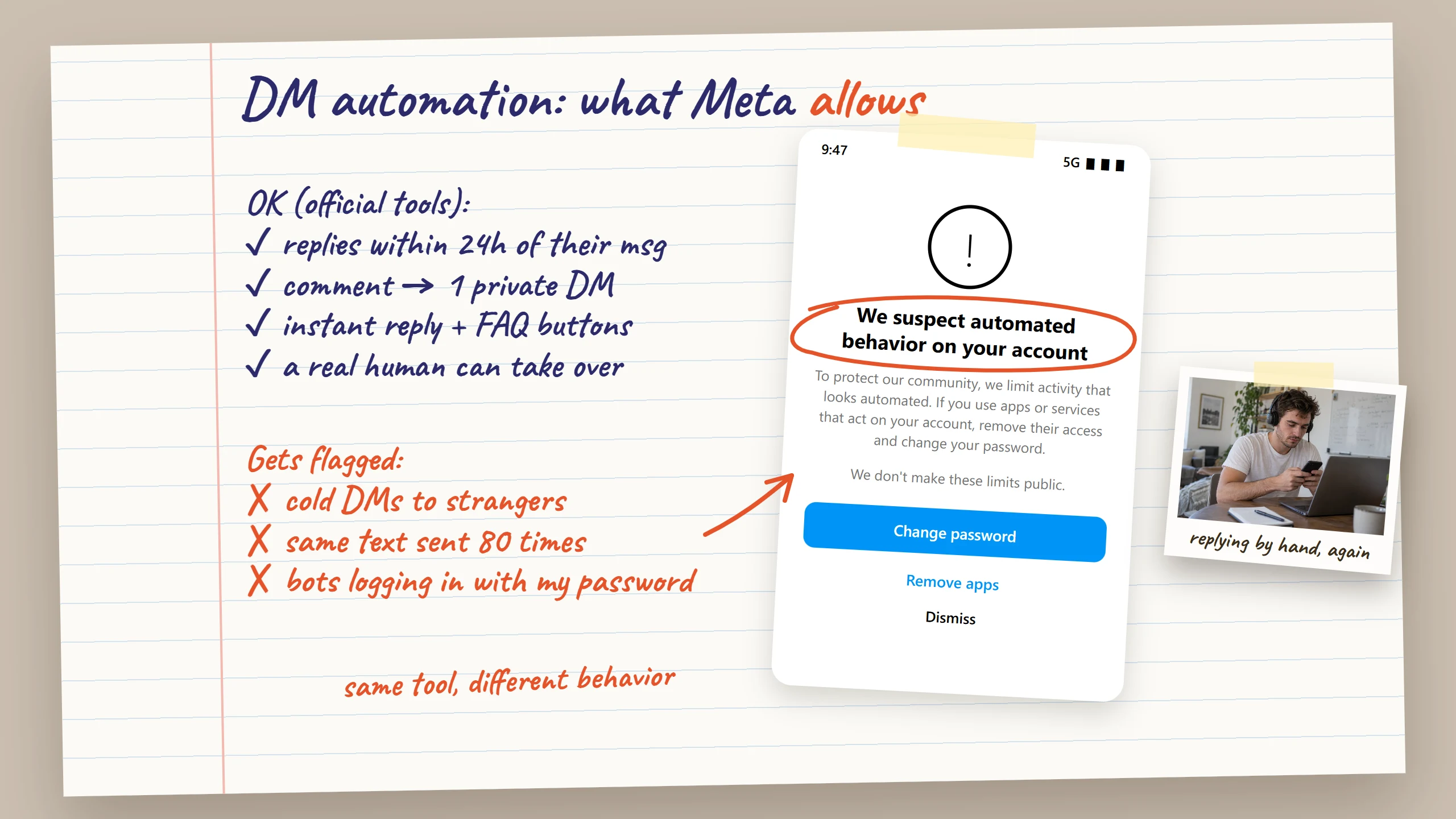
Instagram DM automation is allowed, as long as it runs through Meta's official routes: the Instagram messaging API that tools like ManyChat use, or the instant replies and away messages in Meta Business Suite. Those routes come with rules. You need a professional account, you can reply automatically within 24 hours of a person's last message, and you can only message people who reached out first. Automation that sends cold messages at machine speed is what gets accounts flagged.
I learned most of this the slow way, while booking design clients through my inbox. Below are the rules as Meta documents them, the warning signs to watch for, a safe setup in seven steps, and the main tools compared, including where each one falls short.
What is Instagram DM automation?
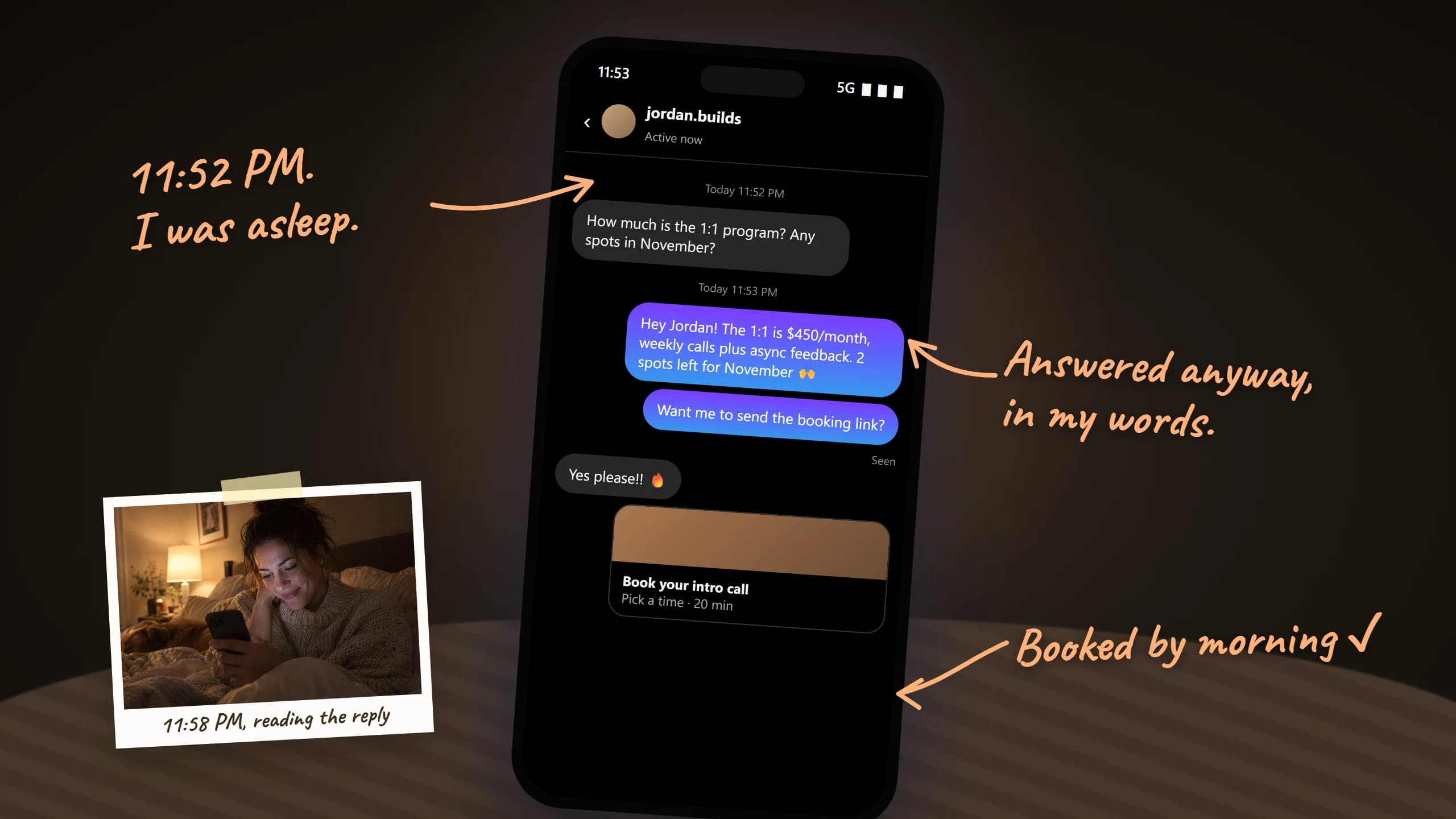
Instagram DM automation is any setup that sends or drafts direct messages for you without you typing each one. It ranges from a single welcome message that greets new conversations to full keyword flows that send a link when someone comments "PRICE" under a reel.
The common types, from simplest to most advanced:
- Instant reply. One automatic message when someone writes to you for the first time.
- Away message. An automatic reply during hours you are offline.
- FAQ buttons. Up to four questions shown in the chat, each with an automatic answer.
- Comment-to-DM. A keyword in a comment or story reply triggers a private message.
- Flows. Multi-step conversations with buttons, questions and tags.
- AI replies. Drafted answers to free-text questions, sent automatically or after your approval.
The first three are built into Instagram and Meta Business Suite and cost nothing. The rest need a third-party tool. Whatever the tool, the same platform rules apply, so start there.
Is Instagram DM automation allowed? What Meta's rules say
Yes. Meta built an official messaging API so businesses can automate Instagram DMs, and it approves partner tools that use it. The rules attached to that API are what you are really agreeing to, whether or not you ever read them.
Here are the ones that matter for someone selling through DMs:
| Rule | What it means for you |
|---|---|
| Professional account required | Automation works on Business or Creator accounts only |
| "Allow access to messages" on | You must switch this on in message controls before any tool can read DMs |
| 24-hour standard window | Automated messages can go out within 24 hours of the person's last message |
| Human agent window | A person on your side can reply for up to 7 days |
| Private replies to comments | One private message per comment, within 7 days of the comment |
| User-initiated only | The person must act first: a DM, comment, story reply or button click |
| Human handoff | Your automated setup should let people reach a real person |
The 24-hour window, in practice
Every time a lead sends you a message, a 24-hour window opens. Inside it, your tool can send anything relevant: answers, links, follow-up questions. Once it closes, automated messages stop. A human can still reply for up to 7 days using Meta's human agent route, but a scheduled promo blast is not a human reply.
For sales, this is the real constraint. A lead who said "let me think about it" on Monday cannot get an automated nudge on Friday through the API. That follow-up has to come from you.
Disclosure
Meta asks businesses to disclose automated chats where the law requires it, and recommends doing so everywhere. A short line in your instant reply ("quick automatic reply, I'll answer personally soon") covers it and sets expectations.
What gets accounts flagged for automated behavior?
Instagram does not punish automation as such. It punishes behavior that looks like spam or like a bot pretending to be a person. The warning most people see first is a notice that Instagram suspects automated behavior on the account, often with a prompt to change your password and remove third-party apps.
The patterns that trigger it:
- Cold mass messaging. Dozens of first messages to people who never contacted you.
- Identical texts. The same opener sent to everyone is the easiest pattern to detect.
- Machine speed. Messages fired seconds apart, at all hours, with no pauses.
- Password-based bots. Unofficial tools that log in to your account from their own servers, often from a different location than you.
- Spam reports. People tapping "report" on your messages counts heavily against you.
Instagram also limits how many messages you can send, mostly to people who do not follow you. It publishes no daily number. Our guide to Instagram DM limits covers the estimates, the one-message rule for message requests and what to do after a block.
A simple test helps. If a person could not plausibly have sent your messages, at that volume, at that hour, to those people, the account is at risk, whatever tool sent them.
If you already got the warning
- Stop all automated sending for a few days. Pause flows and any tool that sends on its own.
- Change your password and turn on two-factor authentication. Instagram usually asks for this anyway.
- Remove apps you no longer use. Check "Apps and websites" and the connected tools in message controls.
- Go back to normal use. Reply to people who wrote to you, post as usual, and skip cold outreach for a while.
- Restart slowly. Turn automations back on one at a time, starting with the official ones.
A single warning is not a ban. Repeating the same behavior right after it is how a warning becomes a restriction.
How to set up Instagram DM automation safely
Start with the free native tools, then add a third-party tool only for what they cannot do. This is the order I use, and it takes about an hour the first time.
- Switch to a professional account. Profile, menu, "Account type and tools", then "Switch to professional account". Pick Creator or Business.
- Allow access to messages. In Settings, open "Messages and story replies", then "Message controls", and turn on "Allow access to messages" under connected tools.
- Write your FAQ buttons. In the Messages tab, open the menu, then "Tools", then "Frequently asked questions". Add up to four real questions: price, availability, process, turnaround.
- Set an instant reply. In Meta Business Suite, go to Inbox, then Automations, and create an Auto reply for Instagram. Say thanks, say when you usually answer, and point to one useful link.
- Add an away message for your off hours. Same Automations screen. Schedule it for the hours you are actually offline.
- Add comment-to-DM only if you post offers. If your reels say "comment GUIDE", connect an official tool such as ManyChat or CreatorFlow and build that one flow. Keep the first message short and ask one question.
- Test from a second account, then check weekly. Send yourself a DM, a comment and a story reply. Then read a sample of real conversations every week to catch replies that sound off.
Two cautions from experience. Keep the number of automations small: when an away message and a keyword flow fire on the same message, people get two replies, or Meta sends only one of them. And keep one owner per inbox. Two tools answering the same thread is how a client gets contradictory answers in the same minute.
Best Instagram DM automation tools in 2026
The main tools split into two families. Official API tools (ManyChat, CreatorFlow, LinkDM, Inro) run keyword flows inside Meta's rules. Agent-style tools draft real replies to free-text questions. Prices below come from each vendor's pricing page or recent pricing breakdowns, checked in September and October 2026.
| Tool | Best at | Connection | Price | Watch out for |
|---|---|---|---|---|
| Meta Business Suite | Instant reply, away message, FAQ | Native | Free | No flows, no follow-ups |
| ManyChat | Comment-to-DM, flows, multichannel | Official API | Free plan, paid from around $17/month | Bill grows with active contacts |
| CreatorFlow | Simple comment-to-DM | Official API | Free (500 DMs/month), Pro $15 | Instagram only |
| LinkDM | High DM volume | Instagram integration | Free (1,000 DMs/month), Pro $19 | Flows, not conversations |
| Inro | Flows plus a light CRM and AI agent | Official API | Free (100 contacts), Pro €12.99 | Billed by activated contacts |
| FanClaw | Real replies and follow-ups in your style | Your own browser, on your computer | $49/month flat, 7-day trial | Not an official Meta integration; desktop app must be running |
Keyword flows vs real conversations
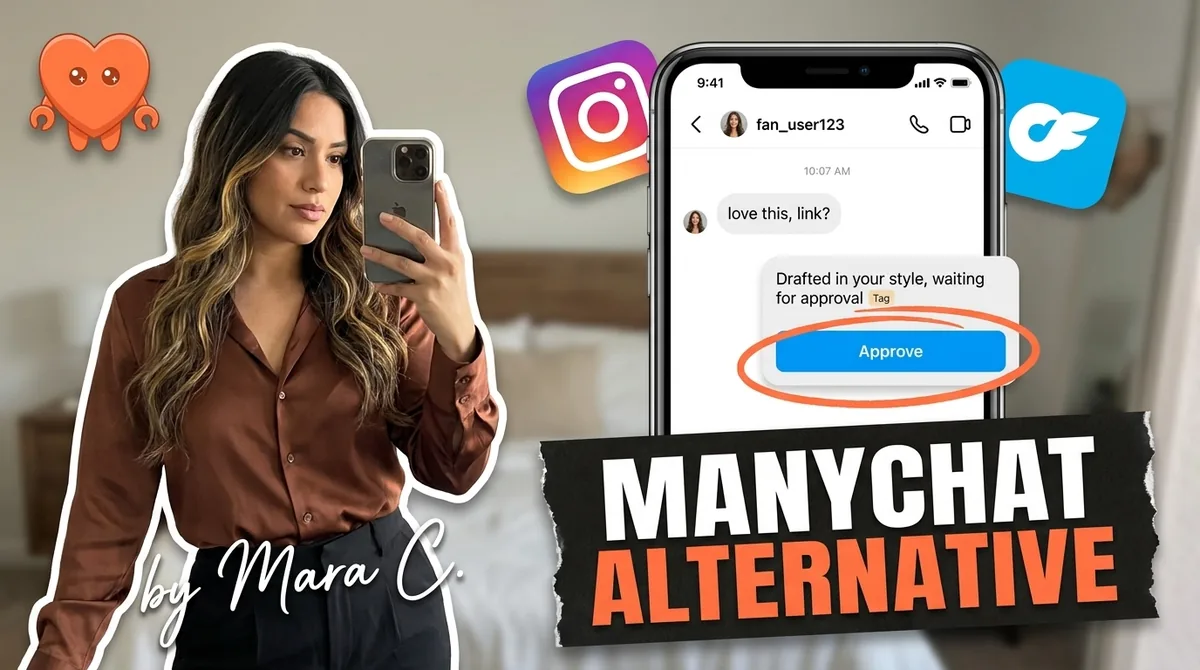
Flow tools are excellent at the first ten seconds: someone comments a keyword, gets a link, maybe answers a button. They struggle with the message that actually sells, the free-text "can I pay in two parts and start in March?". A flow either misreads it or hands it back to you. If you want a deeper look at the most popular flow tool, our ManyChat alternative comparison covers where it shines and where it stops.
Where FanClaw fits, honestly
FanClaw is a local agent that runs on your own computer (Mac or Windows). It answers your Instagram, TikTok and X DMs in your writing style, follows up with leads who asked you to check back, and can post for you. You approve anything that matters, like prices and offers. Your logins never leave your machine.
The honest trade-off: FanClaw does not use Meta's official API. It works through your own browser, the way you would, at a human pace. That is what lets it handle real conversations and follow-ups the API window does not cover, but it is not a Meta-approved integration, and it only works while your computer is on. If all you need is one keyword flow, an official tool is cheaper and simpler.
What should you automate, and what should stay human?
Automate the replies people are already waiting for. Keep the judgment calls for yourself. That split protects the account and the sale at the same time.
Safe to automate:
- The first reply to a new DM: thanks, when you will answer, one useful link.
- Answers to repeat questions: price range, availability, how booking works.
- Keyword deliveries: the guide, the portfolio link, the booking page someone asked for.
- Drafts of follow-ups, ready for you to approve.
Keep human (or at least approved by you):
- Custom quotes, discounts and payment terms.
- Anyone unhappy, confused or asking for a refund.
- First messages to people who never contacted you.
- Anything you would be embarrassed to see screenshotted.
My own setup today is mixed. Instagram's instant reply and FAQ buttons handle the first contact. A comment-to-DM flow sends my portfolio when someone comments on a case study. FanClaw drafts the real answers and the follow-ups, and I approve anything with a price in it. For a wider view of tools that write posts as well as replies, see our guide to choosing an AI social media manager.
If your leads go quiet because the follow-up never happens, you can download FanClaw and try it free for 7 days. It costs $49 a month after that, flat, and you can cancel anytime.
Frequently asked questions
Yes, when it goes through Meta's approved routes: the official Instagram messaging API used by tools like ManyChat, or the instant replies and away messages in Meta Business Suite. You need a professional account. What Instagram restricts is automated activity that imitates a person at a scale no person could reach, such as bulk cold messages.
Through Meta's messaging API, a business can send messages to a person within 24 hours of that person's last message to the account. After that, only a human agent reply is allowed, for up to 7 days. Each new message from the person reopens the 24-hour window.
Not through the official API. Automated messages must answer something the person did: a DM, a comment, a story reply or a click. Cold outreach to strangers stays manual, and Instagram limits it anyway: a non-follower can send only one text message until the request is accepted.
Official tools that connect through Meta's permission flow are low risk as long as what you send respects the rules. Accounts get restricted for spam reports, identical mass messages and unofficial bots that log in with your password and act at machine speed. The most common first sign is a 'we suspect automated behavior' warning.
Yes. Meta Business Suite lets you set an instant reply and an away message for free, and Instagram's FAQ feature shows up to four questions with automatic answers. ManyChat, CreatorFlow, LinkDM and Inro all have free plans with limits on contacts or DMs per month.
Not always. Meta's newer Instagram API with Instagram Login works with a professional account and no Facebook page. Older integrations, and the inbox automations in Meta Business Suite, expect the account to be connected to a business portfolio. Check the connection steps of the tool you choose.